While a call is in progress, a guest user can be invited via the “Add Guest” feature, available on both web and mobile platforms. Either a session ID can be shared, or an invite link can be shared, allowing the guest to join the session.
Join with Link
- Click on the session link shared.
- The screen will be redirected to enter the name of the guest and save it.
- Once saved, the guest will land on the session page with other participants.
- When the host starts the session, the guest will join automatically.
Join with Session ID
- Install the application from the Play Store, Apple Store, or RealWear Store.
- Select “Join as Guest” on the login page.
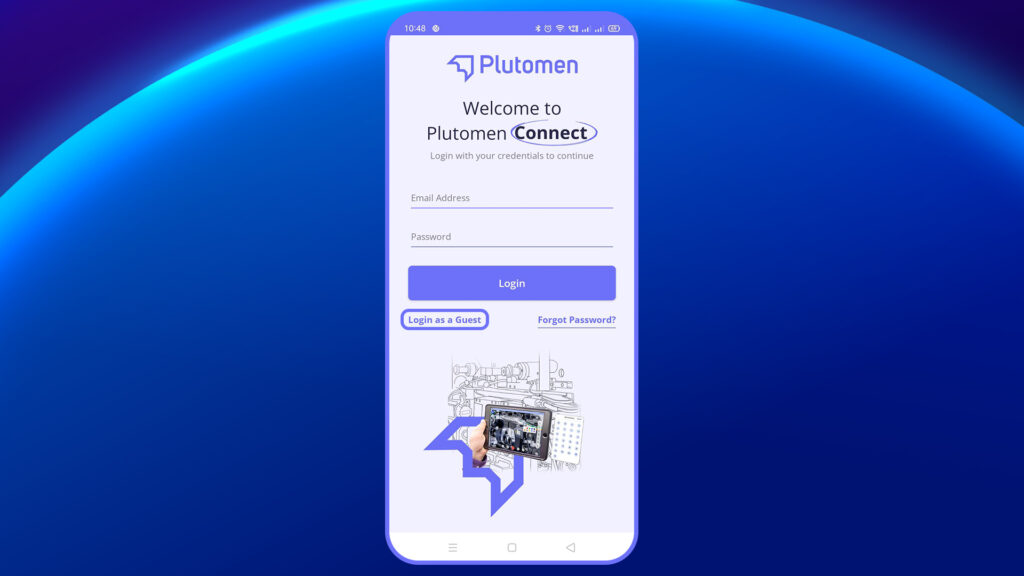
3. Enter your Name, Email ID, and Phone Number.
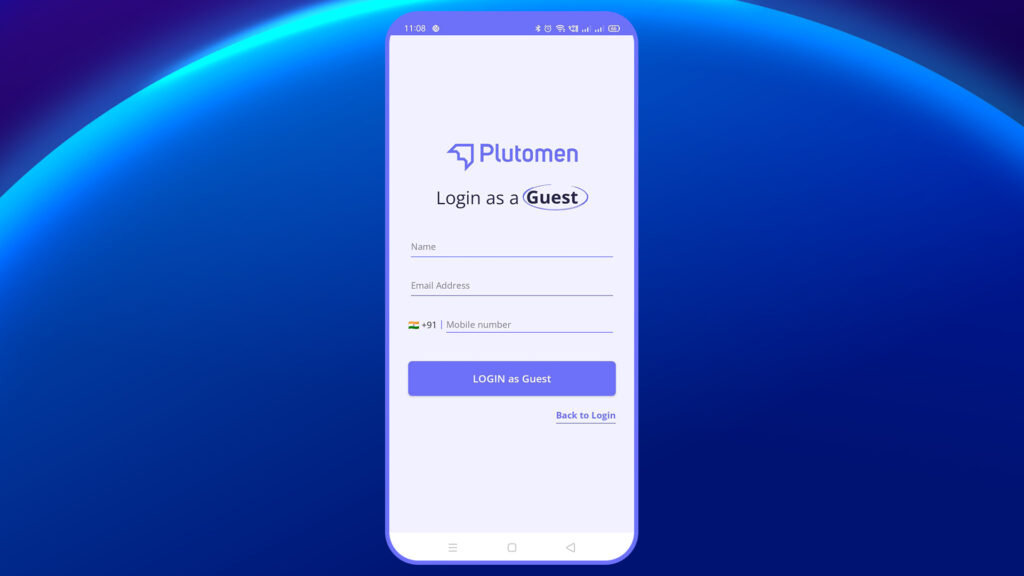
4. On the next screen, input the session ID.
5. Once saved, you will land on the session page with other participants.
6. When the host starts the session, you will join automatically.
Note:
Since a presenter is selected before the call, a guest invited from within the call can only participate as a participant and cannot act as the presenter.


