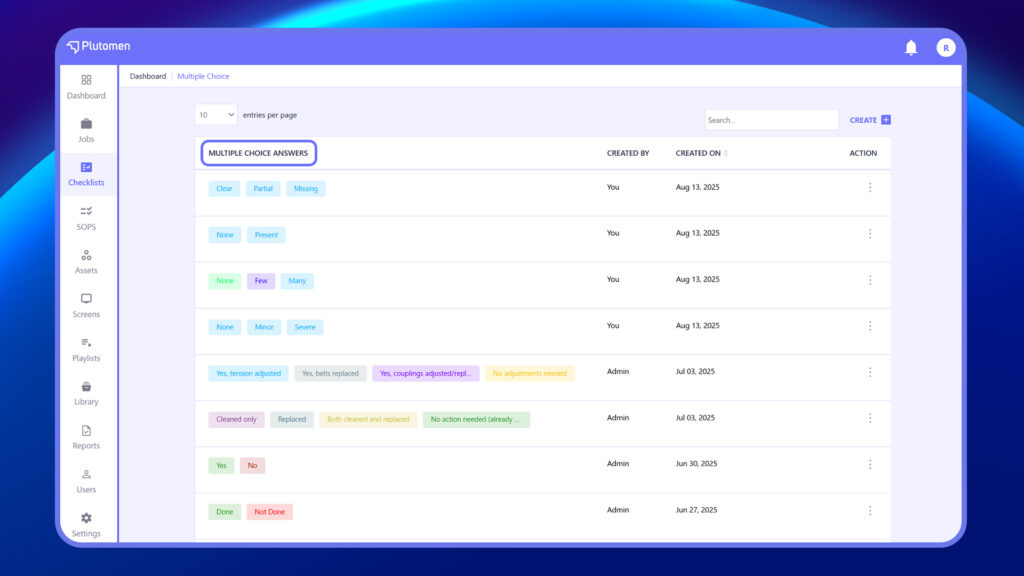
- Log in to the web app.
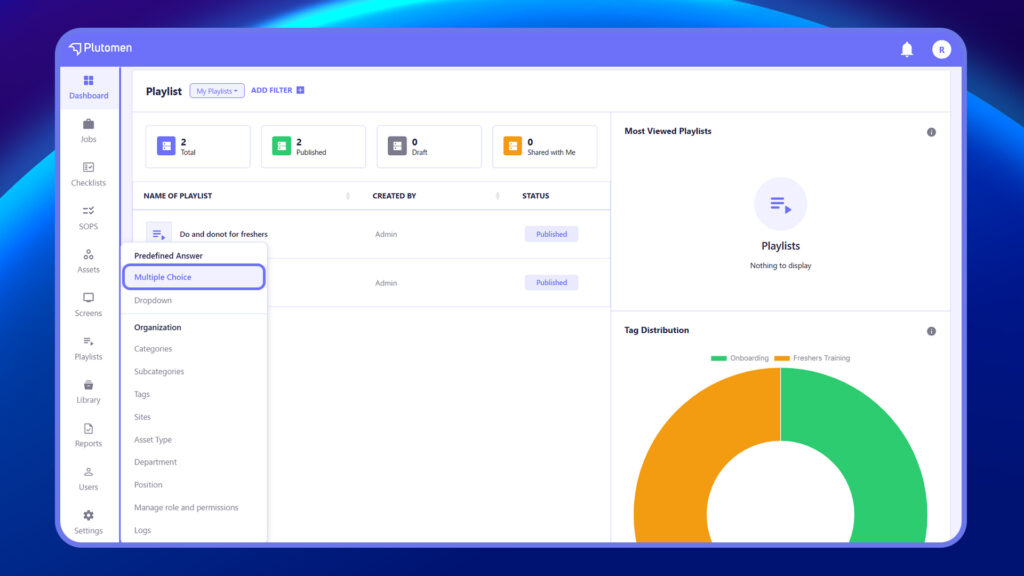
- Go to ‘Settings’ from the left-hand menu.
- Within the Settings, select ‘Multiple Choice.’
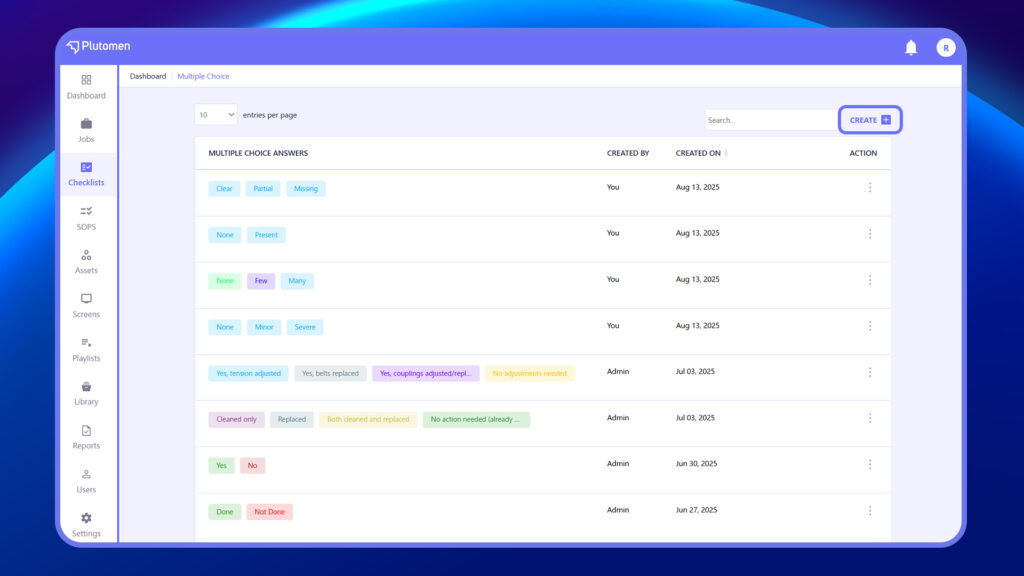
4. Click on ‘+ Create‘ at the top right.
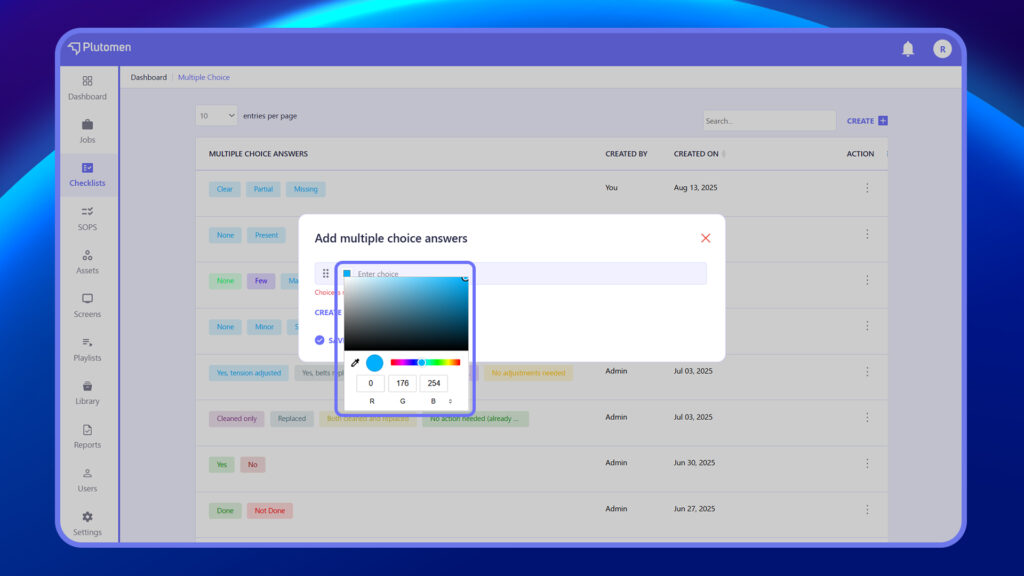
5. Start typing in the ‘Enter choice’ field.
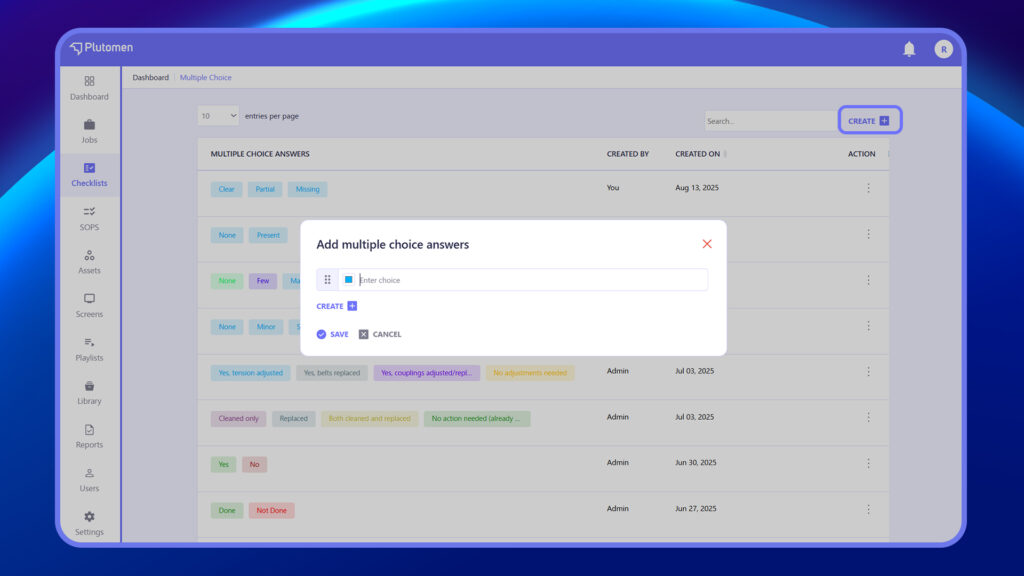
6. You can set colors for multiple-choice responses while adding an option. This will reflect the same color on reports.
7. Click ‘+ Create’ at the bottom left to include further choices.
8. Once all choices are added, click ‘Save.’
9. The added multiple choices will be saved on the Multiple-Choice listing page and can be used for any checklist.