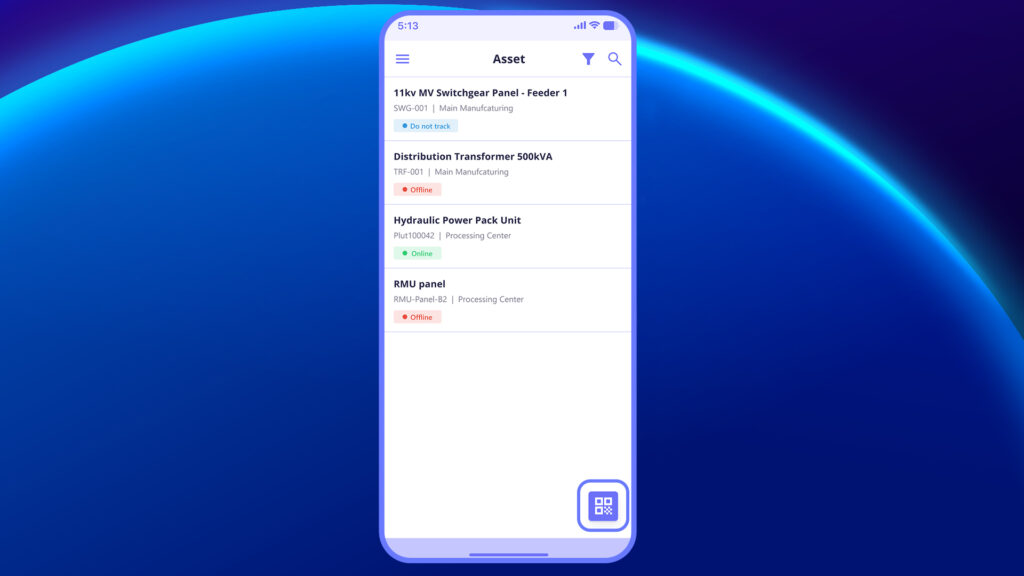
The QR Code feature allows you to instantly access an asset’s details by scanning the code physically tagged on it, eliminating the need for manual search.
Scanning Assets for Instant Access #
If you’re on the shop floor or in the field, simply tap the QR scanner icon (bottom right of the screen) and scan the QR code on the asset. In this video, you will learn how to scan a QR code and quickly open the asset in Plutomen Workflow.