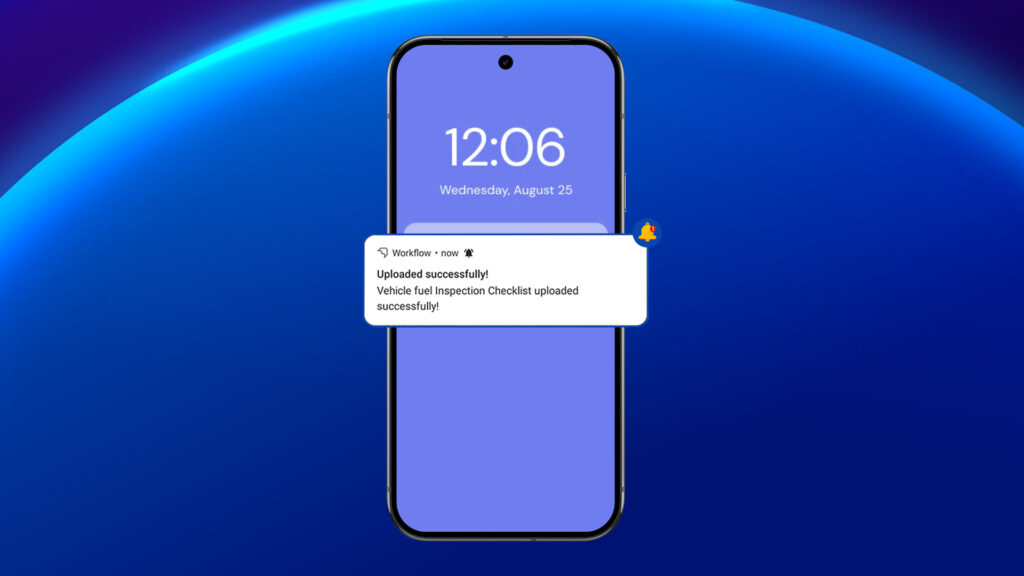
The Offline Job Management feature is designed to enhance workflow efficiency by enabling users to manage jobs seamlessly in offline scenarios. This functionality ensures smooth data synchronization once an internet connection is restored, allowing uninterrupted productivity.
Note: The Offline Job Sync feature is only available on Android devices. Due to platform restrictions, this functionality is not supported on iOS.
Steps to Use the Offline Job Feature #
- Accessing Jobs
To begin, you must access your available jobs in the mobile application:
- Open the mobile app on your Android device.
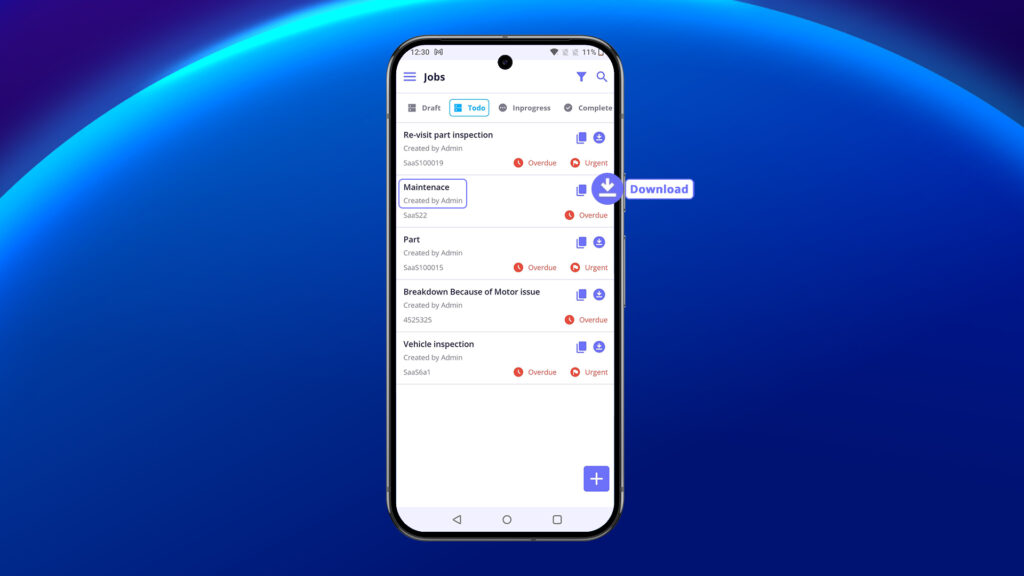
- Navigate to the To-Do section from the main menu.
- Here, you will see a list of jobs that are ready for action.
2. Downloading Jobs For Offline Use #
Before you can work offline, you need to download the job details:
- Ensure your device has an active internet connection.
- In the To-Do section, select the jobs you wish to work on.
- Tap the Download icon to store these jobs on your device.
- Once downloaded, you can access these jobs anytime, even when offline.
3. Working Offline #
After downloading jobs, you can begin working on them while offline:
- When offline, you will find all the jobs you’ve downloaded earlier.
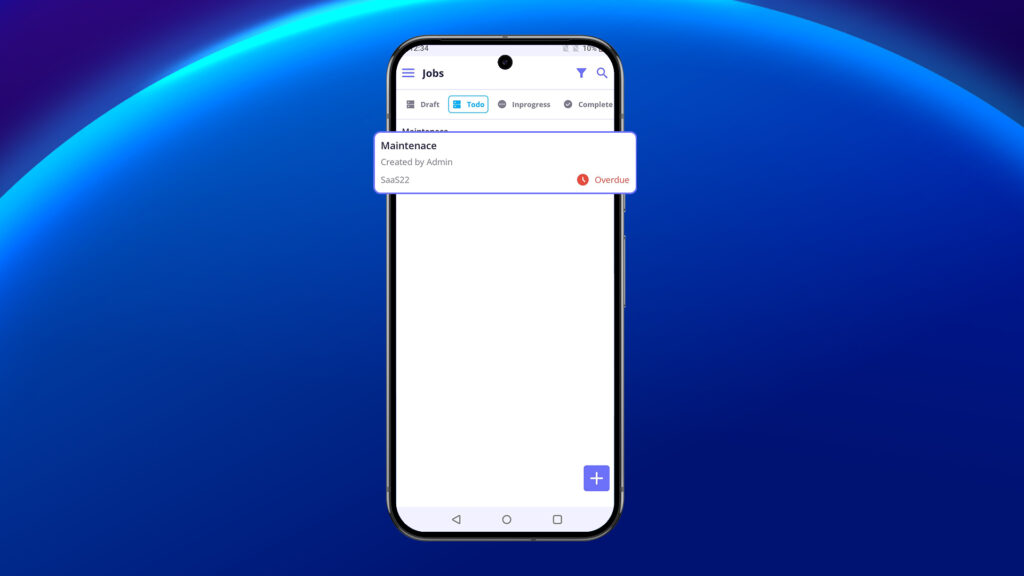
- Select the job you wish to edit and review its details.
- Make any necessary updates, including: Modify job descriptions. Add notes, images, or attachments. Update checklists, etc.
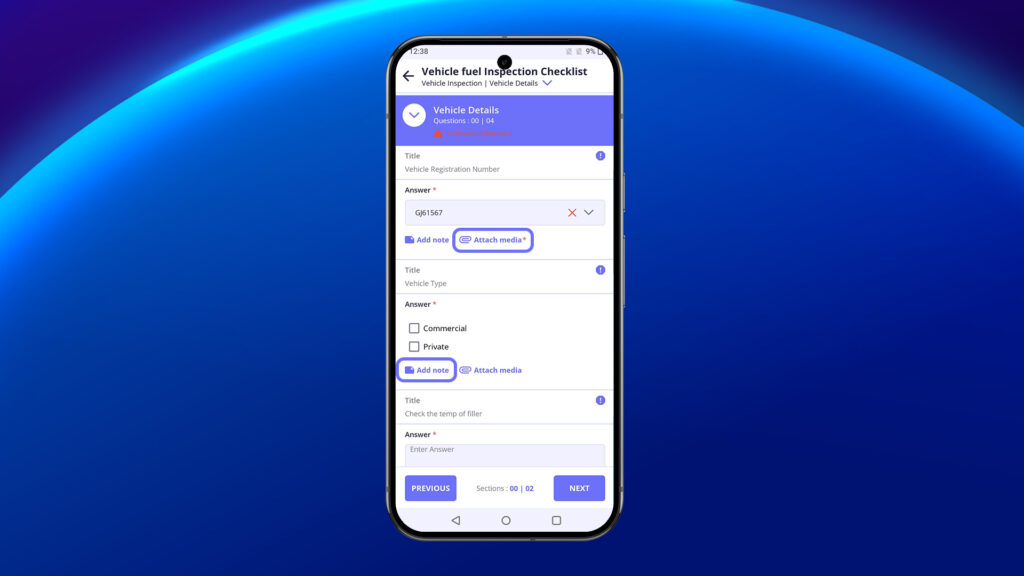
- All changes you make will be saved on your device until you go back online.
4. Uploading Changes Once Online #
- The system will check for any updates on the server side that occurred while you were offline.
- Your updates (like job modifications and checklist changes) will be uploaded.
- The app will automatically sync any new data from the server that was updated during your offline period.