Follow these simple steps to join an ongoing call:
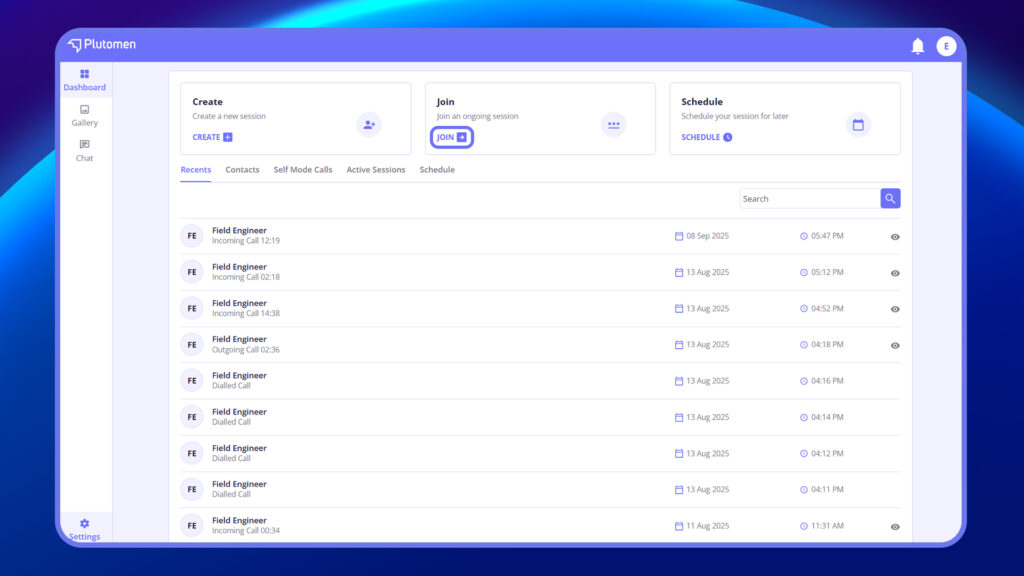
1. Tap Join on the Dashboard #
From the main dashboard, select the Join option to begin.
2. Enter the Session ID #
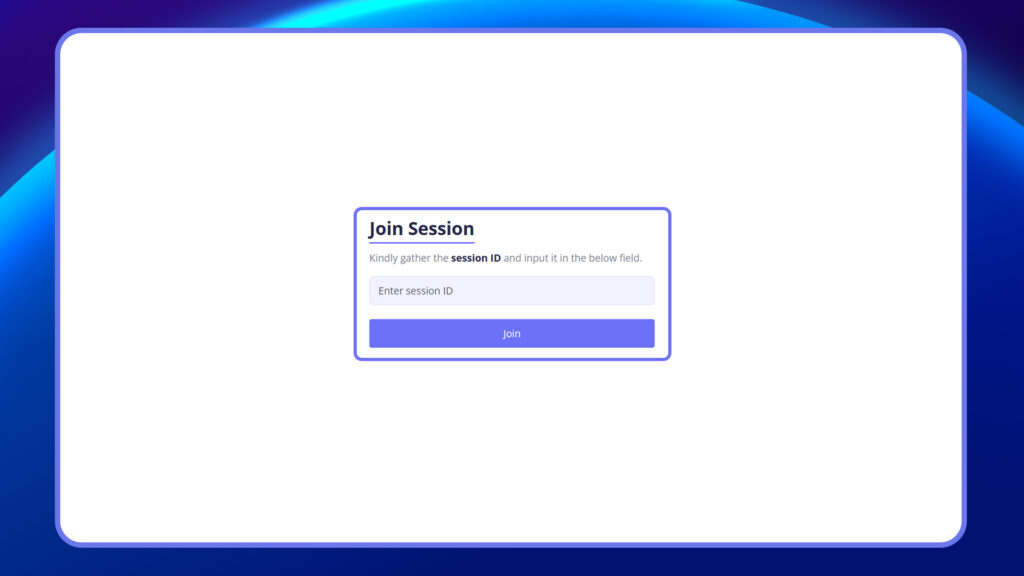
You’ll be prompted to enter the session code shared by the host.
- Type in the session code.
- Tap Join to proceed.
3. Join the Session Room #
Once validated, you’ll be taken into the session where:
- You can enable or disable your mic and camera
- You will be able to see the host and any content shared


