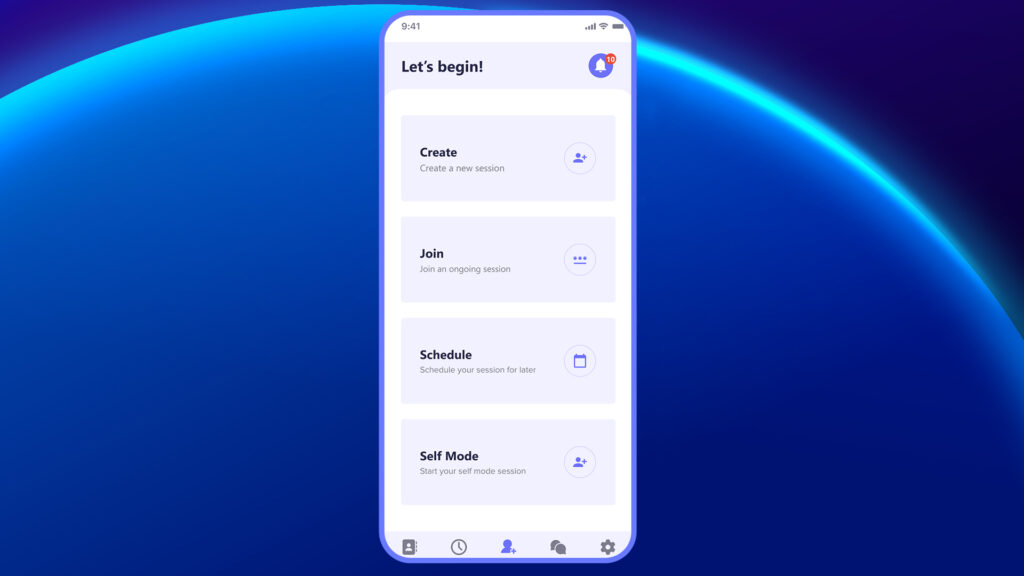
Once the user logs in to the Plutomen Connect app, they are directed to the home page.
The home page features a simple, clean interface with multiple options to initiate a Session: Create Session, Join, or Schedule a session. Additionally, the page provides easy access to recent calls, the phone book (Contacts), self-mode calls, active sessions, and scheduling
With just a few taps, you can connect with your team, share knowledge, and access the tools needed to solve problems in real time. No matter your role—technician, supervisor, or guest—this is where every session begins.