As a Remote Expert, you can log in to Plutomen Connect Web to guide frontline users through live visual assistance sessions. The web application allows you to connect from any browser without the need to install any app, making it quick and convenient to provide support from your desktop or laptop.
Steps to Login:
- Open your preferred web browser (Google Chrome is recommended for the best performance).
- Go to the Plutomen Connect Web Portal using the provided login link
https://app.pluto-men.com/connect/login - Enter your registered email ID/username and password.
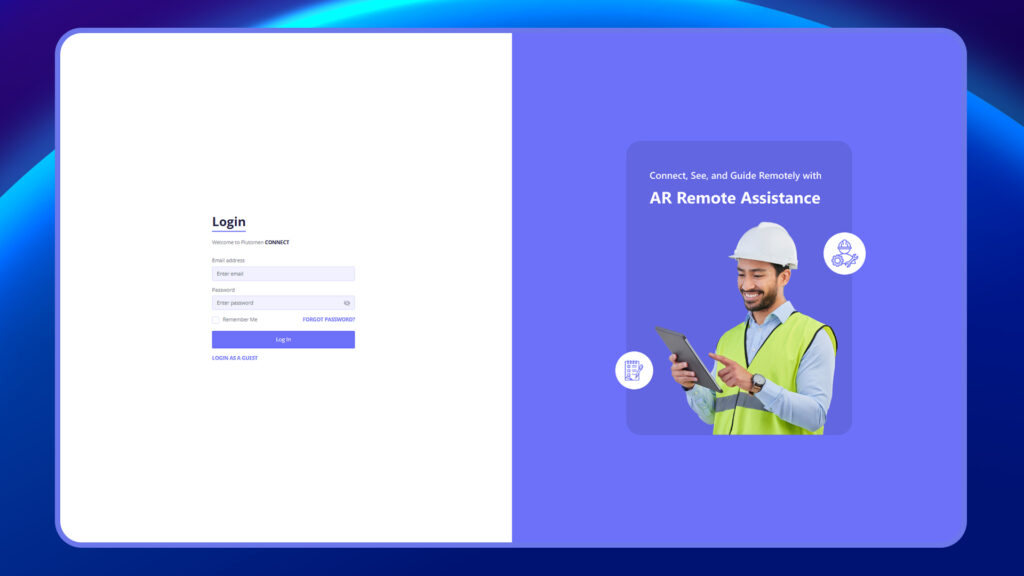
4. Click on Login to access the dashboard.


