Each user is assigned to one or more sites based on their role or location of work. This assignment restricts their access and visibility to only the content relevant to those specific sites.
Steps to View Assigned Site:
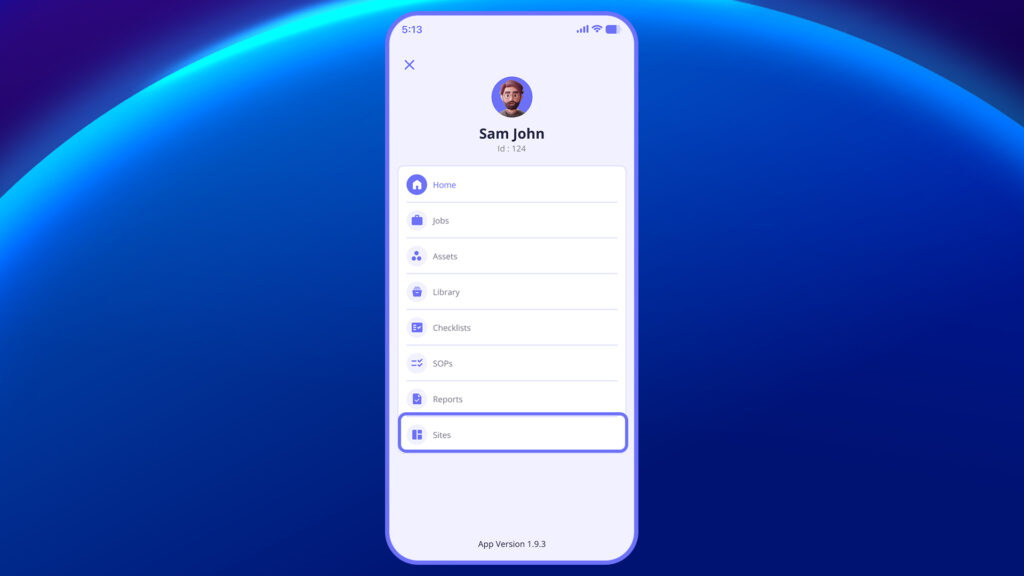
- Go to the ‘Sites’ Module
- From the main menu or home screen, tap on the Sites option.
2. View Assigned Sites List
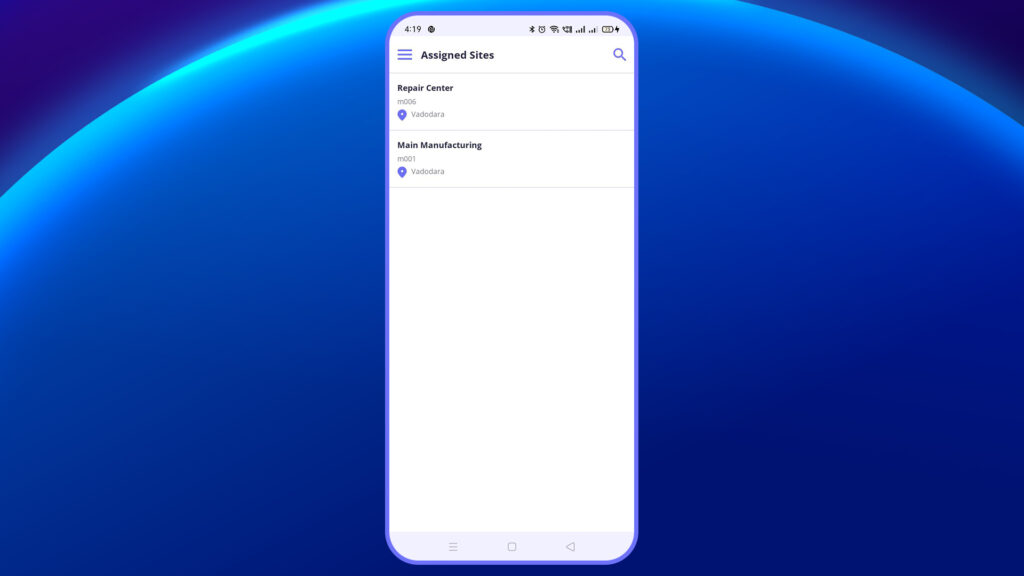
- You will see a list of sites that have been assigned to you.
- Each site will include the site name, number, and location details.
3. Tap on a Site to Explore
4. Tap on a specific site to view its details.
You’ll see associated data such as assets, jobs, or users linked to that site.
Site assignments are essential for multi-location operations to maintain structured workflows and avoid confusion.


