Steps to Add Asset:
- Click on “+ Create” in the upper-right corner of the asset page.
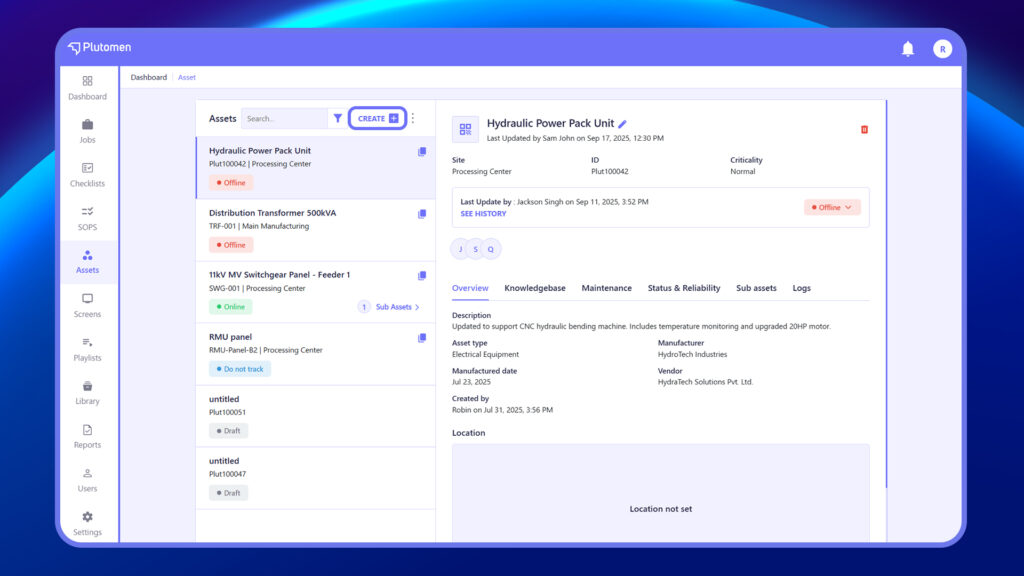
2. On the Add Machine page, enter details such as:
- Asset Title – A unique, recognizable name
- Asset ID – Auto-generated or manually entered ID
- Asset Type – Select from a predefined list (e.g., Machine, Tool)
- Site – Choose the site or facility the asset belongs to
Configure Additional Details #
- Criticality – Normal, Critical, or Low
- Status – Choose from Active, Do Not Track, Offline, etc.
- Vendor – Name of the supplier or manufacturer
- Description – Brief description of the asset
- Manufacturer – Equipment brand or maker
- Manufactured Date – Input the date using the date picker
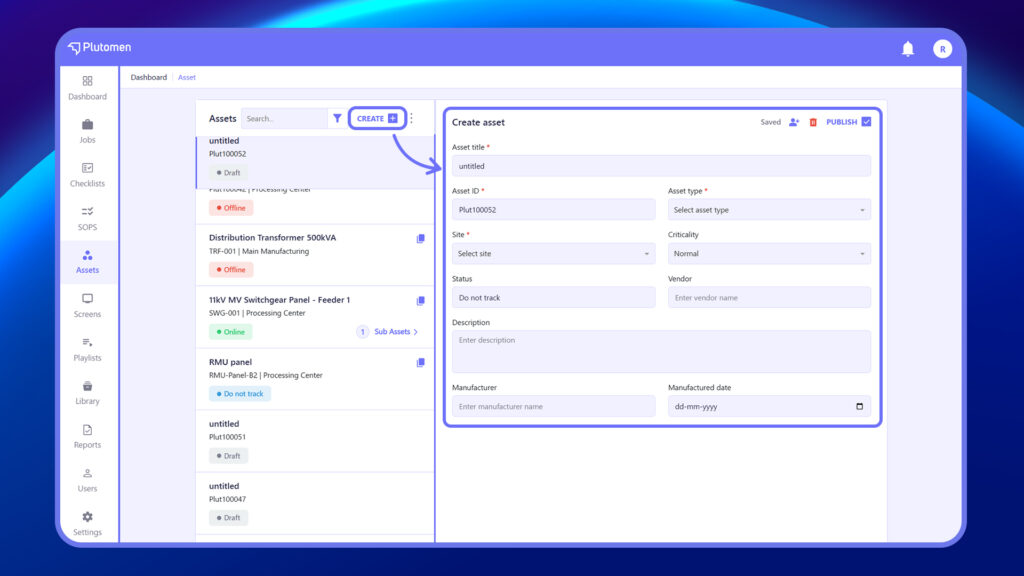
3. Click Publish when the details are completed. The asset will now appear in your asset list.


