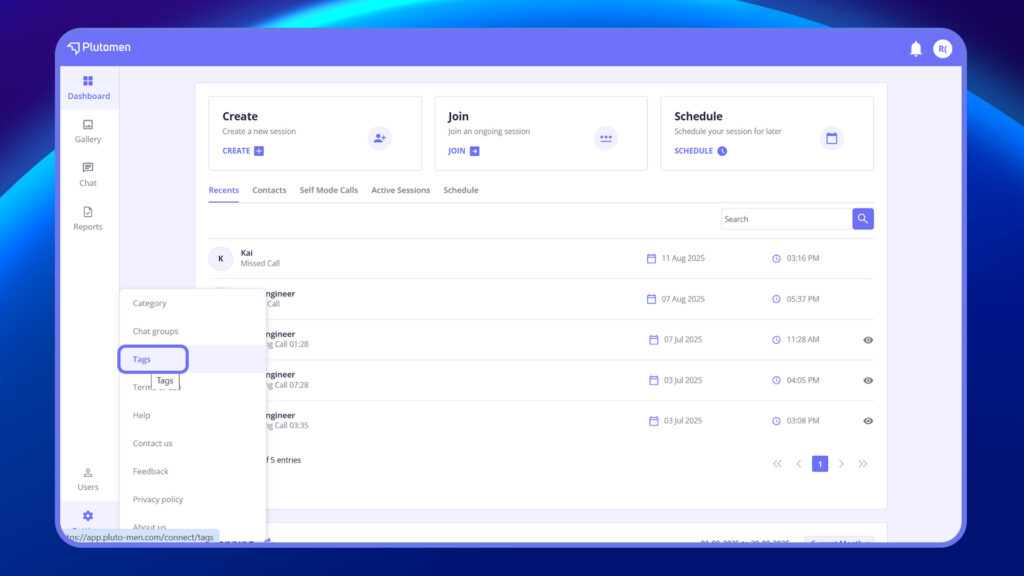
- Navigate to the ‘Tags’ section located at the bottom of the menu within Settings.
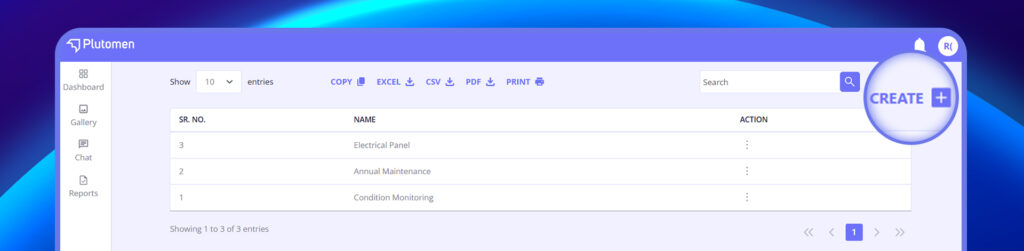
2. Click on the ‘+ Create’ button to initiate the creation process.
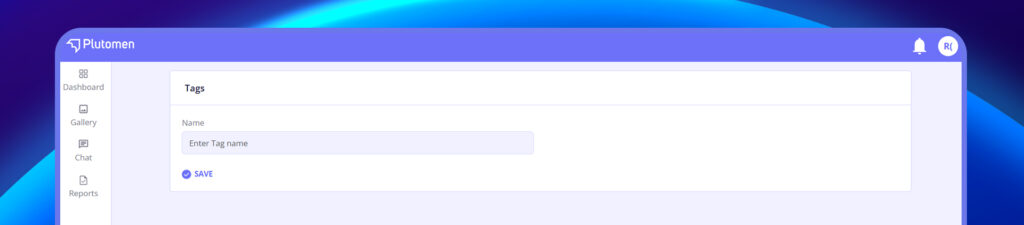
3. Assign a name to the tag (e.g., Machine A, Machine B, Site A, Site B, etc.).
4. Click ‘Save’ to confirm and save the tag.
5. Once saved, the tag will be available for use when generating new screenshots or recordings during calls, allowing users to categorize the media effectively.


