User Access Levels allow your company to control who can access “Phone Contacts” within the platform and to what extent. By defining access levels, admins can ensure that employees only see the contacts that are relevant to their role, department, or other defined criteria. This helps maintain data security, compliance, and operational efficiency.
What are Access Levels?
Access levels are rules that determine which group of users can view or manage specific Phone Contacts. Instead of giving everyone the same visibility, you can customize access so each user only sees information that applies to them.
For example:
A Field Technician may only see contacts for their assigned plant.
A Manager may see contacts across multiple plants or departments.
A Global Administrator may have full access to all contacts company-wide.
How Access Levels Work #
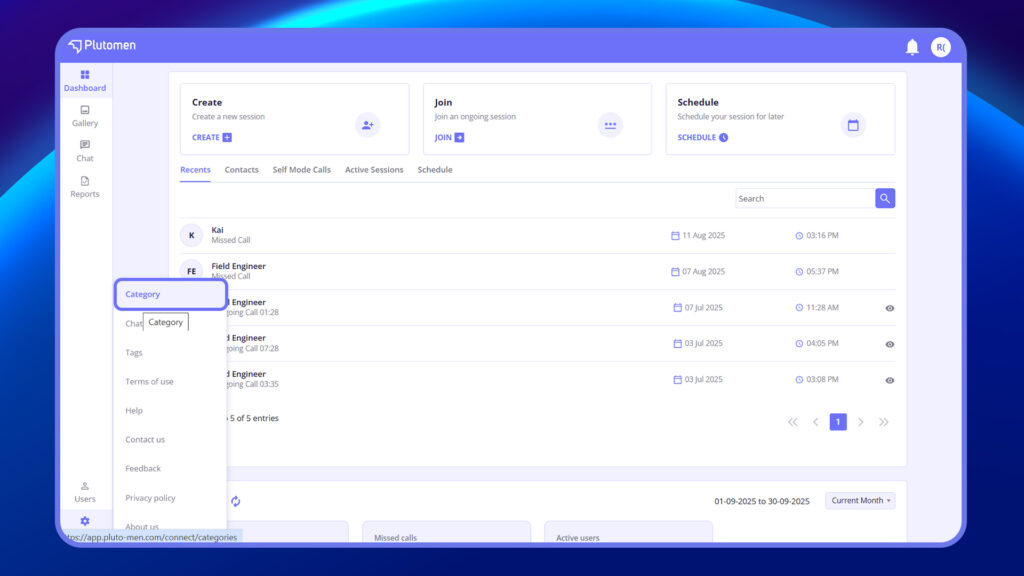
Administrators configure access levels by creating Categories and Options.
- Categories
- Categories represent the parameters used to define access.
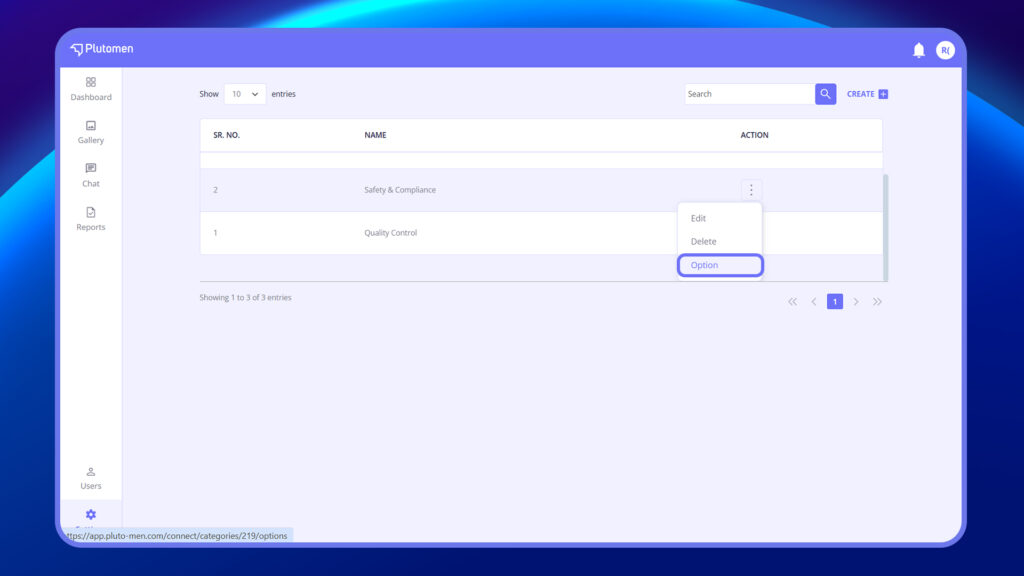
- Options within Categories
- Each category can have multiple options.
- For instance, under the Location category, you may create options like Plant B, Plant C.
- Under Department, you may add options such as Production, Quality Control, and Maintenance.