QR codes make it easy for team members to initiate inspections. Team members can scan QR codes to start inspections easily on their mobile devices or other smart devices.
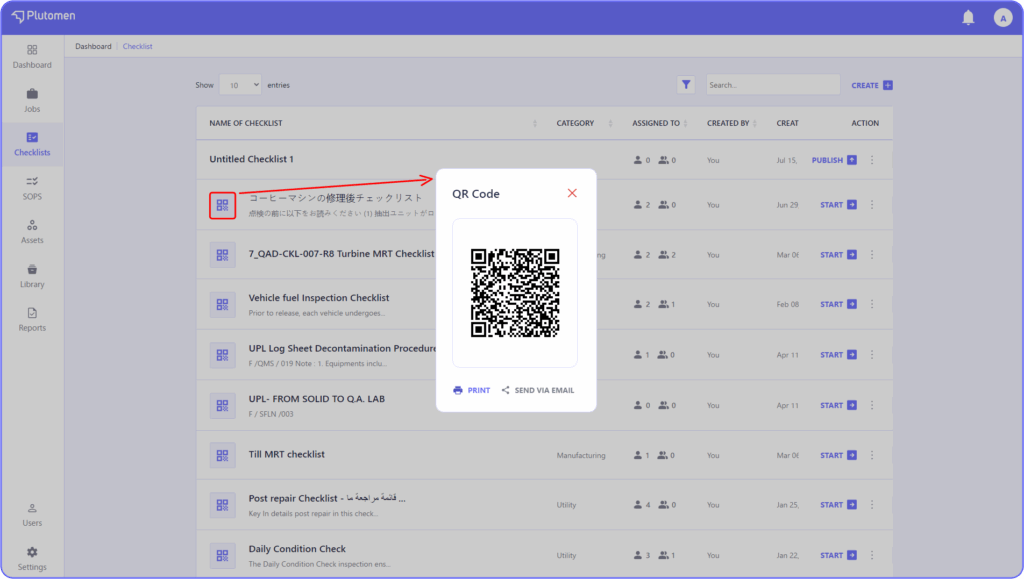
- QR codes are automatically generated upon checklist publication.
- Clicking the QR code icon opens a page displaying the code, which can be shared or printed.
Note:
- Team members scanning a ‘start inspection’ QR code must be licensed users and must have the workflow app installed on their devices.
- Only if the checklist is assigned to them can the user scan and start the inspection </aside>


