- Open the mobile app.
- Access the respective checklist from the menu bar or open the corresponding In-progress checklist.
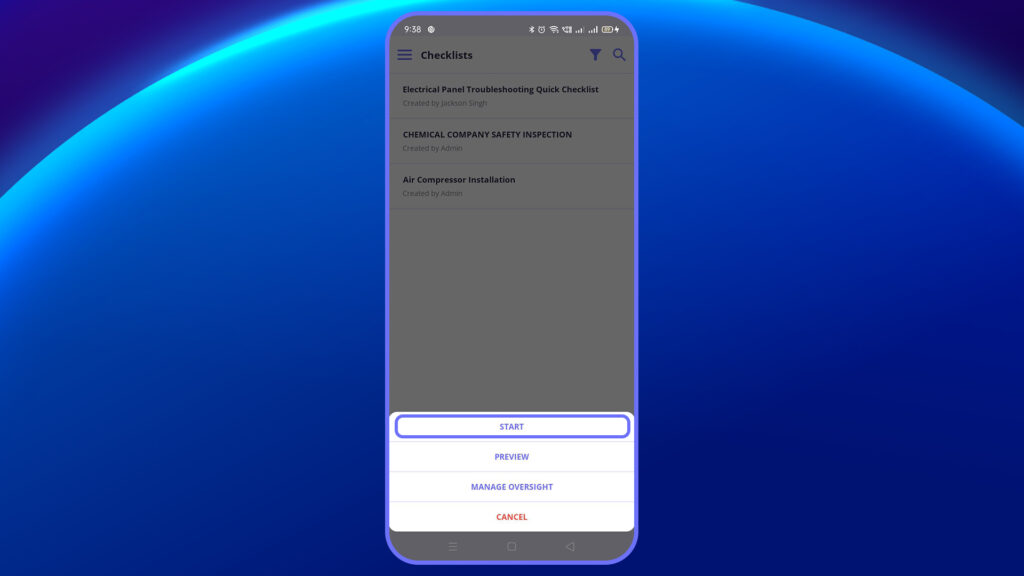
3. Start or edit the checklist.
4. Tap “Notes” at the bottom of the question.
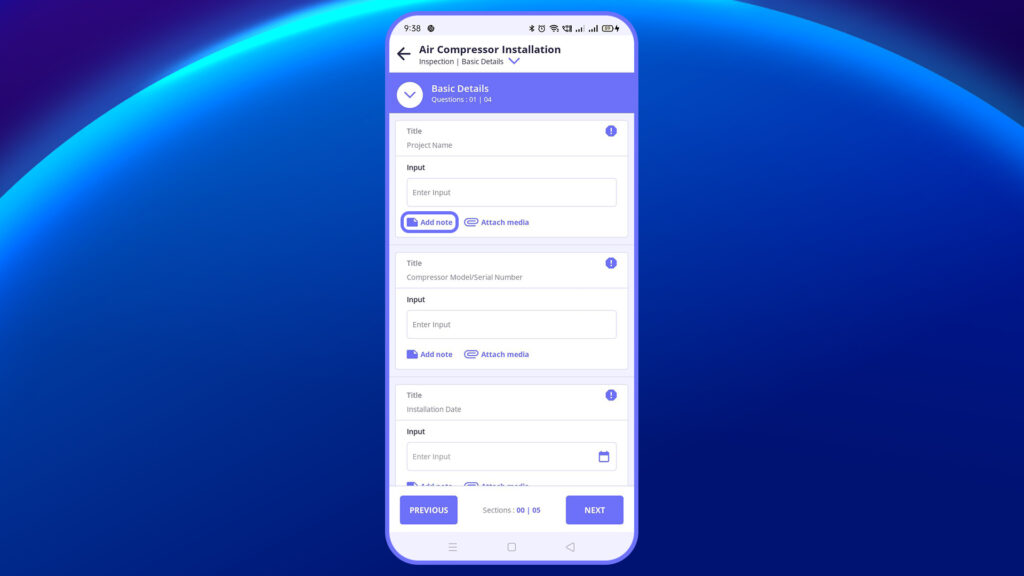
5. This opens a modal window to capture notes.
6. Click “Save” when done.


