Administrators can access the web platform using the following link:
https://app.pluto-men.com/connect/login
Once logged in, an admin has full control over the platform. In addition to administrative rights, they can also perform all actions available to a regular user within the application. This dual capability ensures admins can both manage system-wide settings and experience the platform as an end user.
Login Steps #
Login Steps
- Open the Web URL
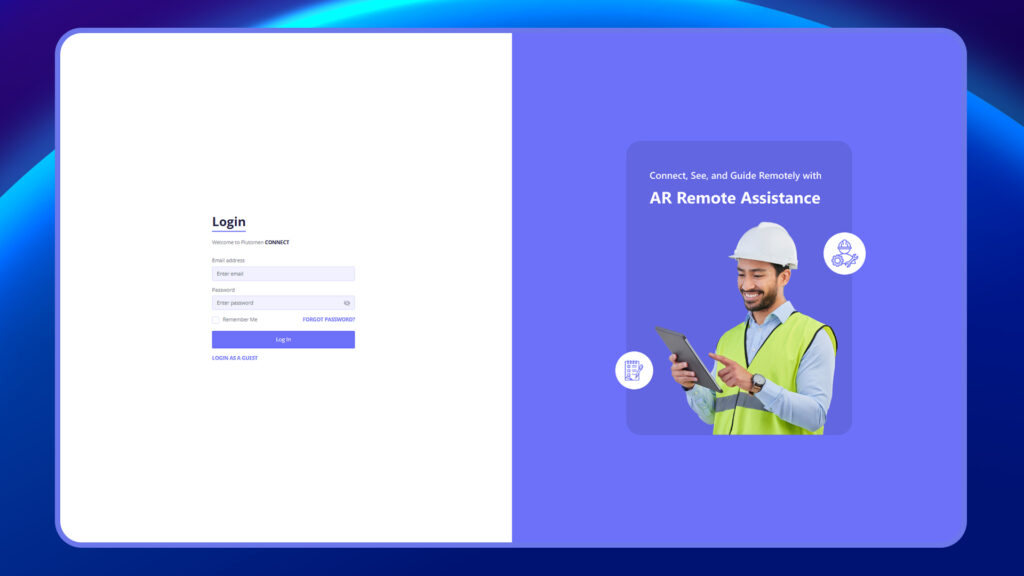
Go to https://app.pluto-men.com/connect/login using your preferred browser. - Enter Credentials
- User ID: Provided via email invitation.
- Password: Provided in the same email or set up by you during account creation/reset.
3. Click on Login
After entering your credentials, click Login to access the admin dashboard.
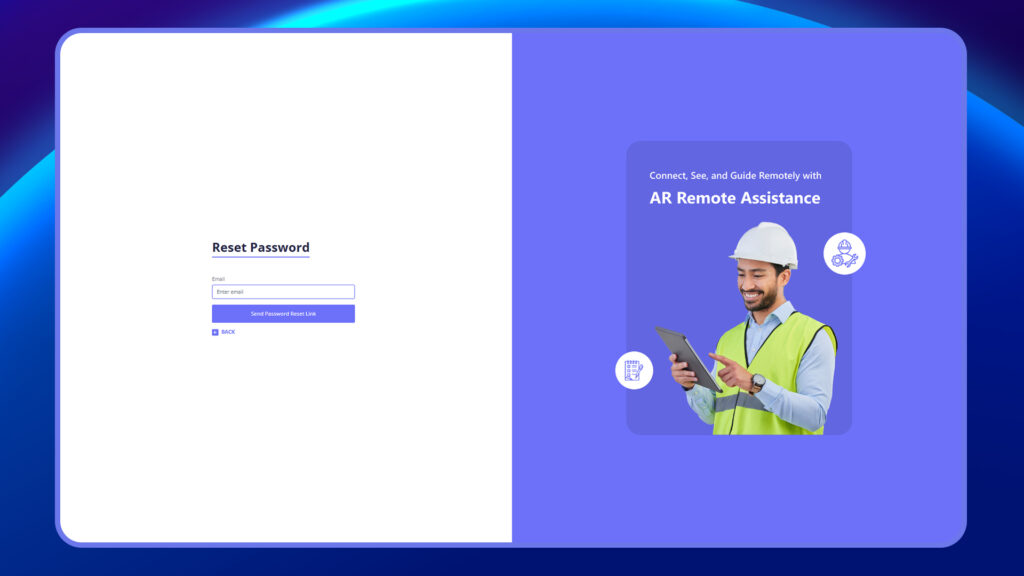
4. (Optional) Password Reset
If you forget your password, click “Forgot Password?” on the login page and follow the instructions sent to your registered email.