There are two types of reports within Jobs: Activity Reports and Job Reports.
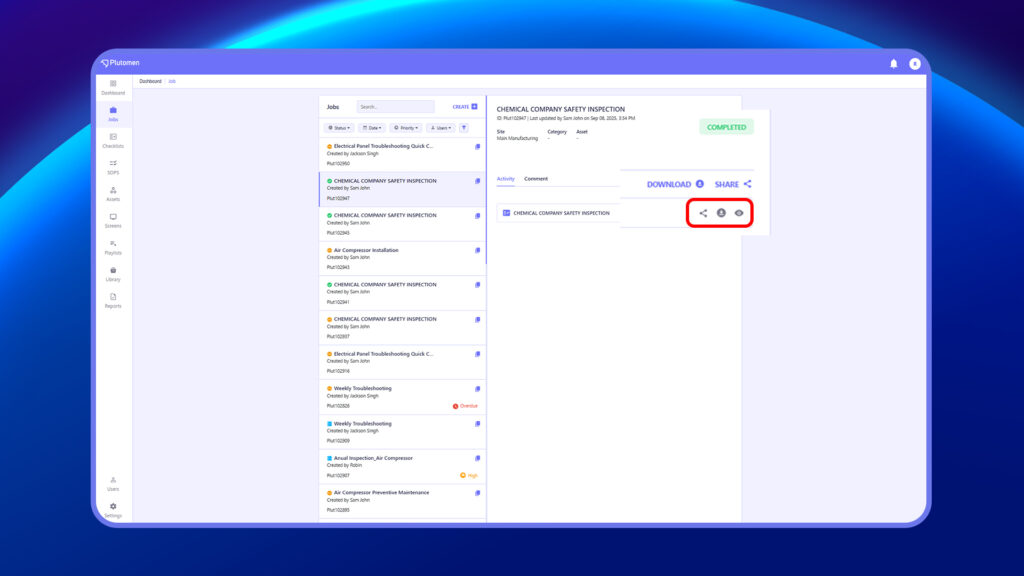
Activity Reports are generated for specific activities within the Job, such as SOPs or Checklists. These reports are generated immediately upon completion of the respective activity. Within a job, once an activity is completed, users have the option to share, download, or view the report.
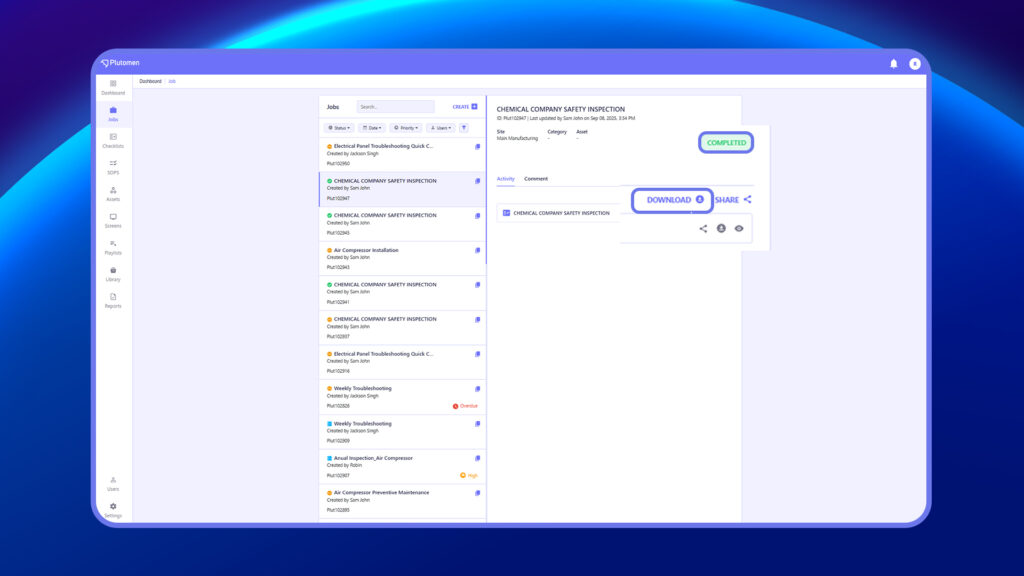
Job Reports are generated upon completion of the entire job and serve as consolidated reports encompassing all activities performed within that job.
Notes:
- SOP Module reports are exclusively generated when SOP view is completed within a job.
- SOP reports are accessible solely within the job module.
- Checklist reports are visible within both the job module and the report listing page.
- When a report is generated via a job, the job number is displayed for user reference and clarity


