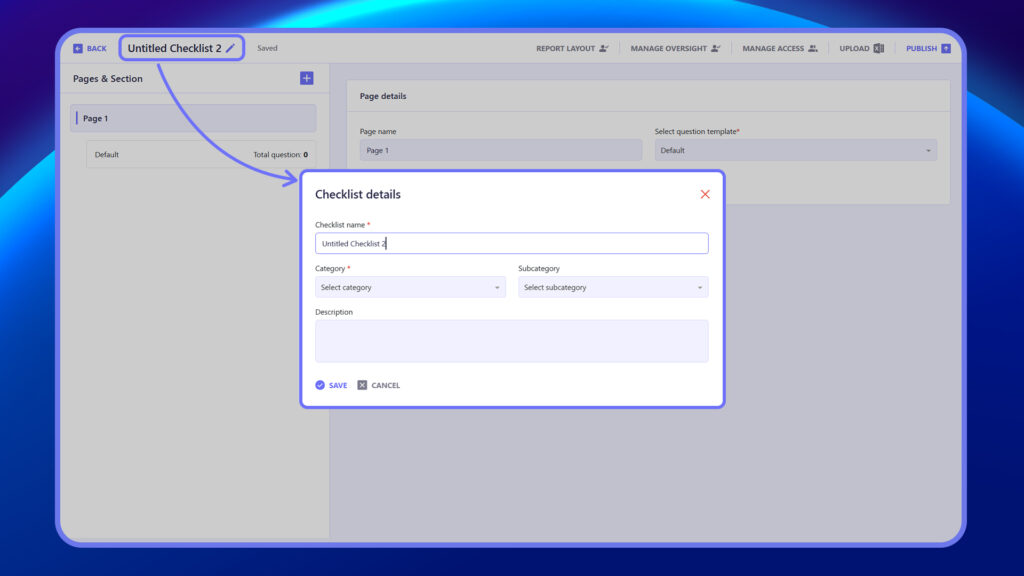
The Checklist Details section captures essential information to define and organize a checklist. You must enter a Checklist Name, select a Category and optionally a Subcategory, and provide a Description. These details help categorize the checklist for easy access, filtering, and assignment within jobs or tasks.
Steps to Fill Checklist Details
- Enter the Checklist Name.
- Select a Category.
- (Optional) Select a Subcategory.
- Enter a Description.