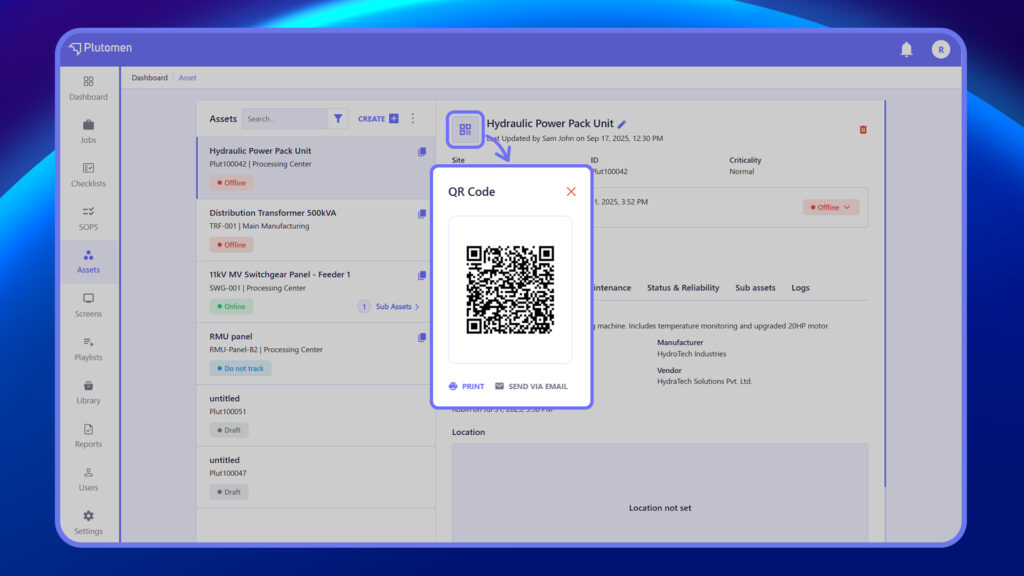
- Duplicate Assets
Creates a copy of an existing asset with the same details for faster setup of similar assets.
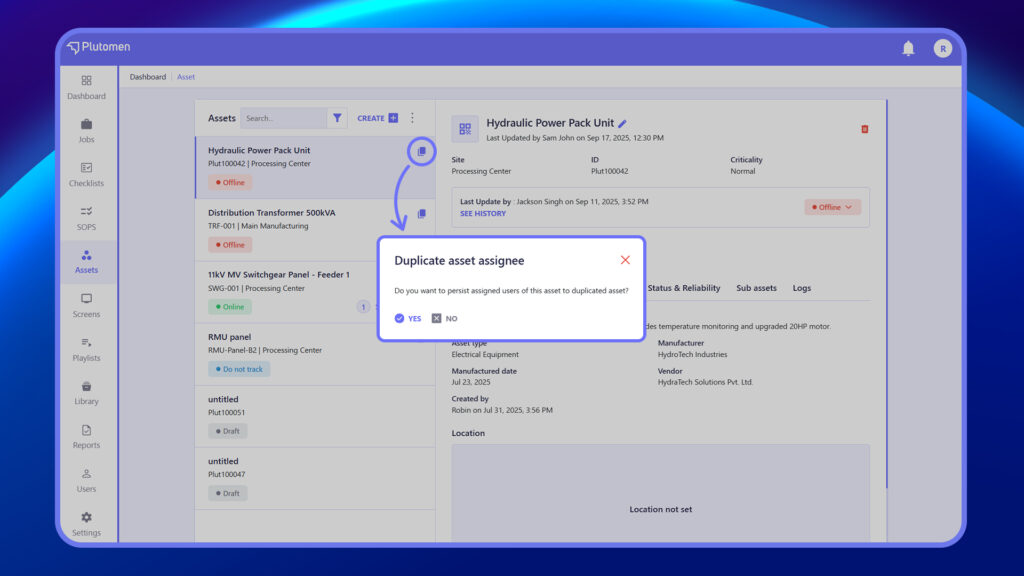
- Import Assets
Upload multiple assets at once using a supported file format (e.g., CSV or Excel).
- Export Assets
Download asset data for backup, reporting, or offline use.
- Delete Assets
Permanently removes selected assets. Use with caution, as this action cannot be undone.
- Edit Assets
Modify existing asset information like title, ID, type, vendor, or status.
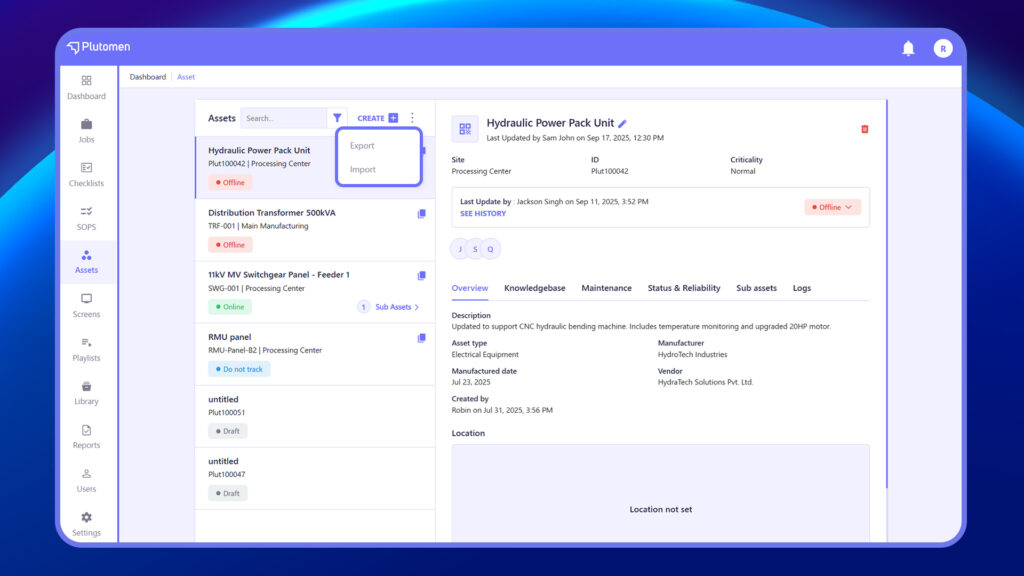
- Manage Access
Assign or update which users or groups can view, edit, or manage the asset.
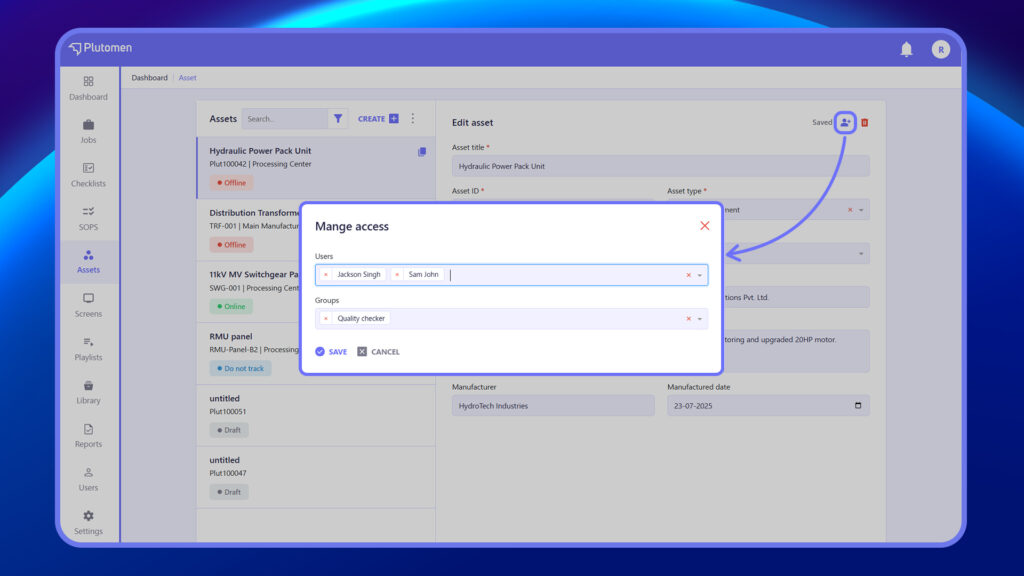
- QR Code
Each asset has a unique QR code that can be scanned to quickly view or access asset details on any device.