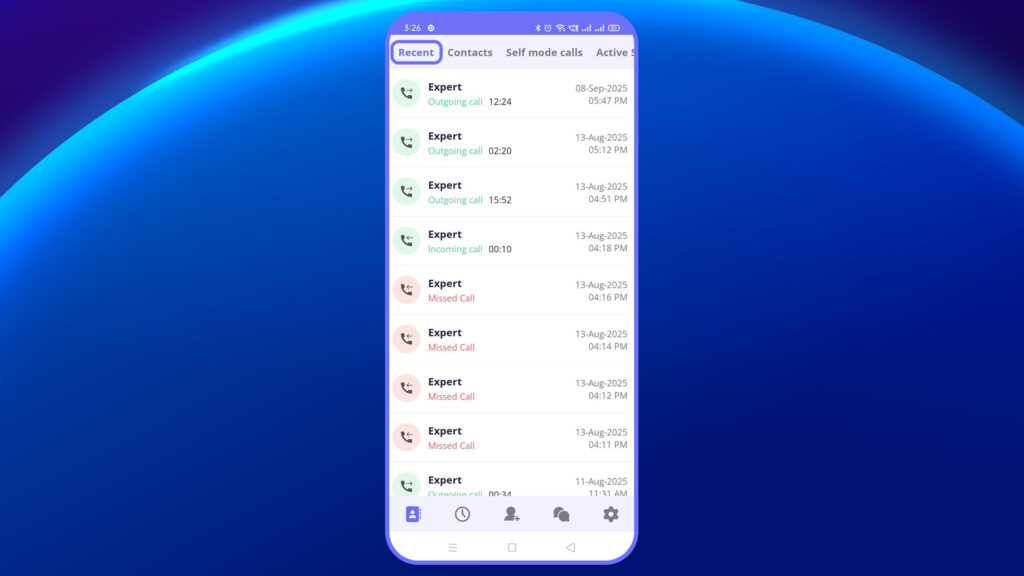
The Recent tab displays a detailed history of all your past calls—including incoming, outgoing, and self-mode calls. Each entry shows:
- Contact name
- Call type (Incoming/Outgoing)
- Duration
- Timestamp
You can tap on any recent entry to view more details or start a new session with that contact again.
When you tap on a specific entry, you’ll be taken to the Call Details View, which includes:
- Session ID
- Date and Time of Session
- Total Duration
- Participants with role indicators (Host, Presenter, Guest)
- Categorized View Tabs:
- All – View every interaction or event that took place during the session.
- Important – Focus on key actions, such as screenshots and recordings.
- Assets – See if any SOPs, documents, or visuals were shared.
- Notes – Access written notes or observations made during the call.