Schedule Call #
For scheduled calls, guest users can be invited via email. An email invite containing the necessary details and a session link is shared with the guest user to join the call. The session link allows the guest user to join the call directly by clicking on it, without requiring them to install the application.
This streamlined process ensures easy access for guest users, facilitating seamless participation in scheduled meetings or discussions without any software installation hassle.
Join a Scheduled Call as a Guest #
- Click on the session link shared.
- The screen will be redirected to enter the name of the guest and save it.
- Once saved, the guest will land on the session page with other participants.
- When the host starts the session, the guest will join automatically.
Note: #
A) While scheduling a call, a presenter needs to be selected.
B) The guest can be a presenter if logged in from, Mobile/Tablet/Realwear
C) Only the host can select the presenter.
Share Session ID #
Within “Create Session” there is an option to copy the session ID and share it via any medium (message, WhatsApp, etc.) with a guest, or to share an email invite. In the case of an email invite, the process to join is similar to a scheduled call link.
If only a session ID is provided, the guest has to install the application and log in as a guest.
Steps to Join as a Guest User #
- Install the application from Play Store, Apple Store, or RealWear Store.
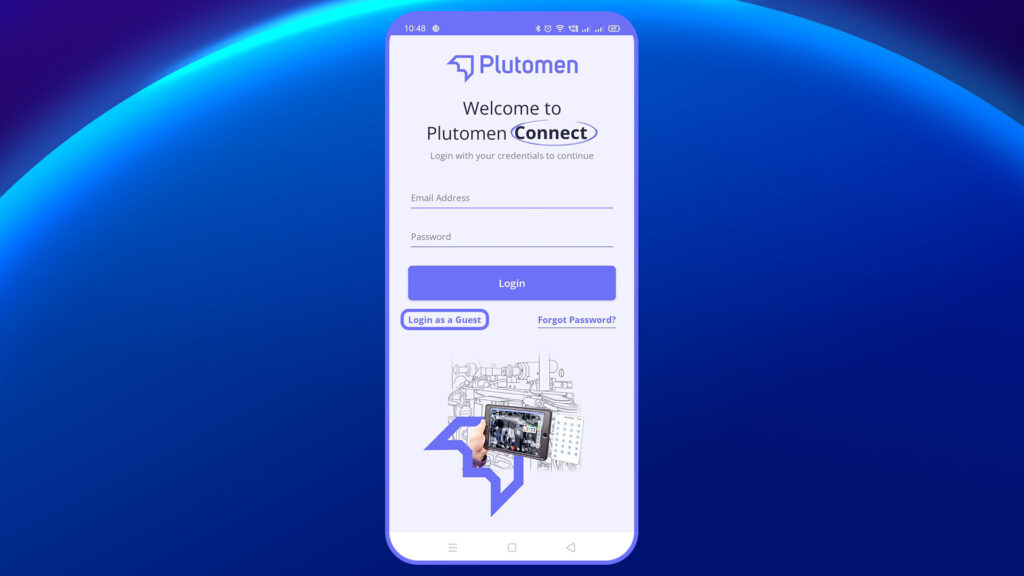
- Select “Login as Guest” on the login page.
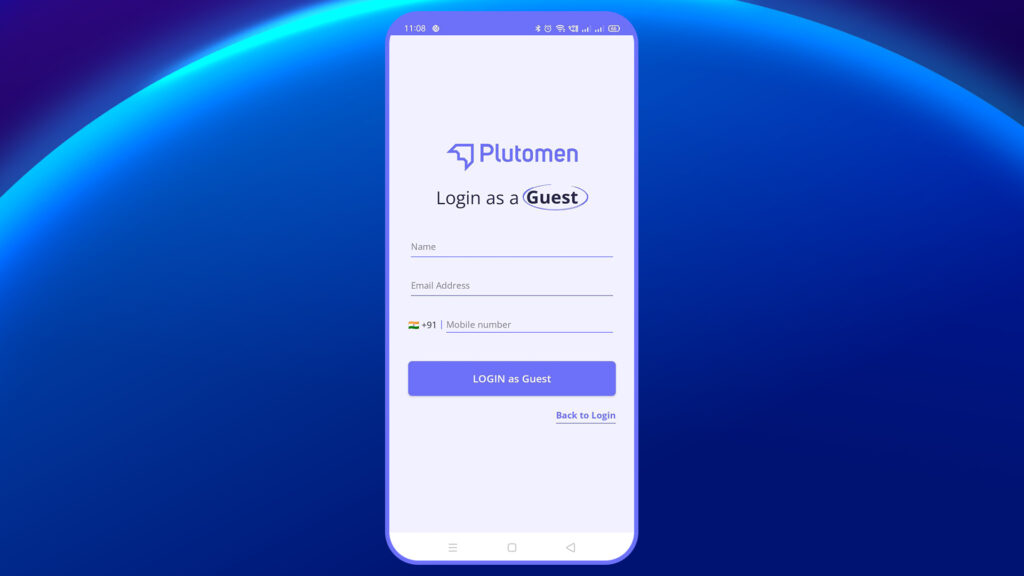
3. Enter your Name, Email ID, and Phone Number.
4. On the next screen, input the session ID.
5. Once saved, you will land on the session page with other participants.
6. When the host starts the session, you will join automatically.


