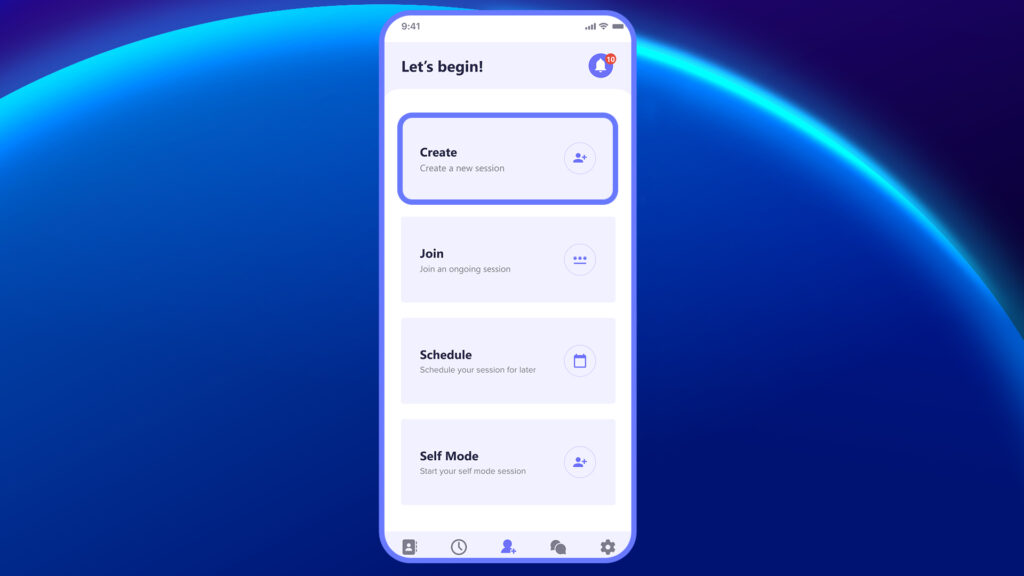
The Create option allows you to start a live session instantly. With just one tap, a unique session ID is generated, and your camera opens to begin the session. You can immediately start speaking, sharing visuals, or guiding participants in real time.
Once the session is created:
- A session ID is automatically generated.
- You can share the ID with participants in three ways:
- As plain text (to be copied and entered manually),
- As a clickable link (for direct access)
This feature is perfect for quick, on-the-spot meetings, especially when the host is already in the virtual room and waiting for others to join. It reduces setup time and is ideal for support calls, audits, training walkthroughs, or urgent remote troubleshooting.