- Log in to the web platform.
- Go to ‘Reports‘ from either the left-hand menu or the dashboard.
- Select the completed inspection report you wish to share.
Note: Completed inspection reports can be filtered based on the type “Completed.“
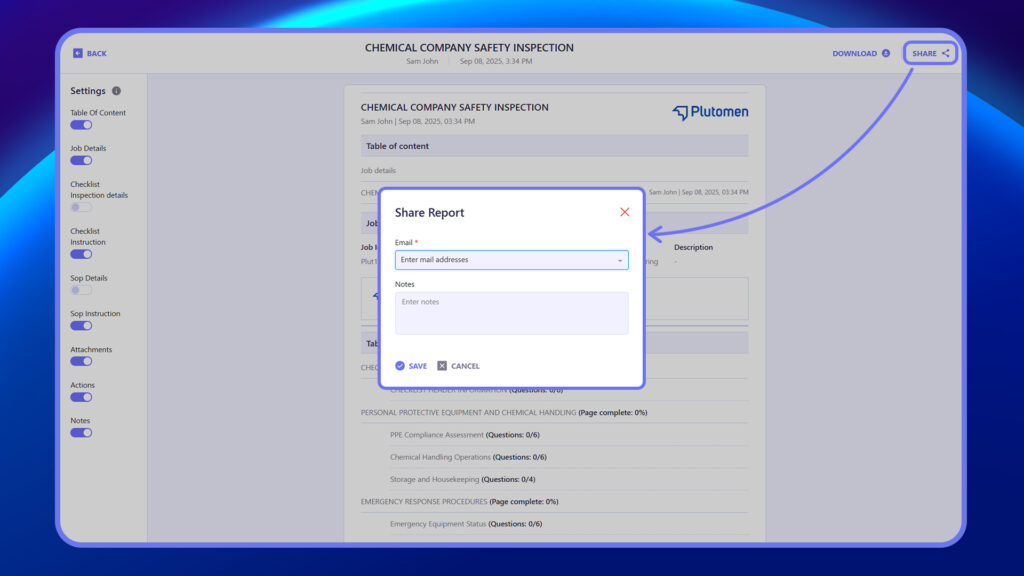
4. Click on ‘Share’ at the top right.
5. Enter the email ID of the person you want to share the report with and click ‘Send’ once done.