After completing a checklist and getting it approved, you can download the SOP report or share it directly with relevant stakeholders.
Steps to Download & Share a Report:
- Select the checklist. Tap on the checklist for which you want to download the report.
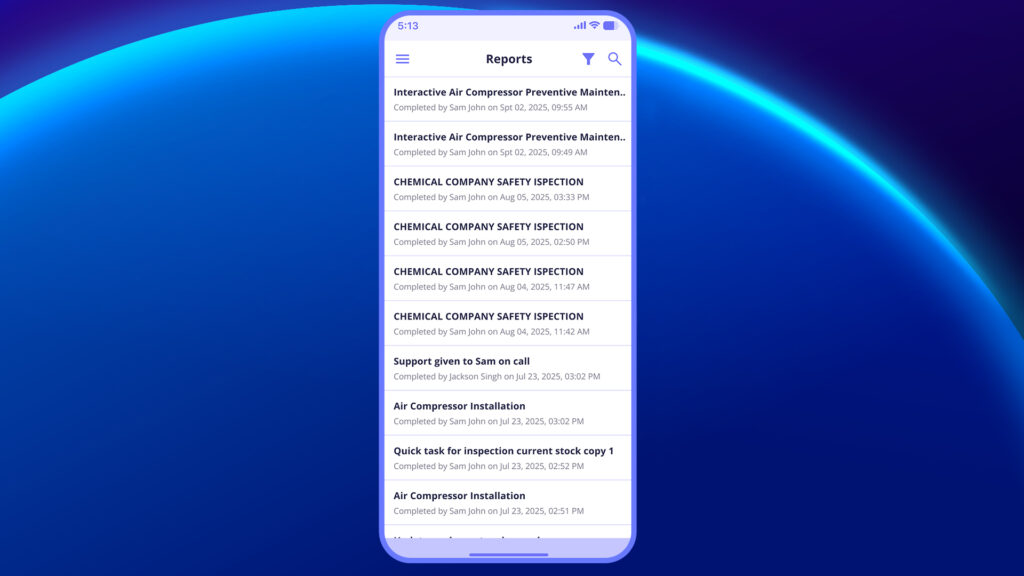
2. Tap on the Download Icon
A PDF version of the checklist report will be generated.
The file will be saved locally on your device.
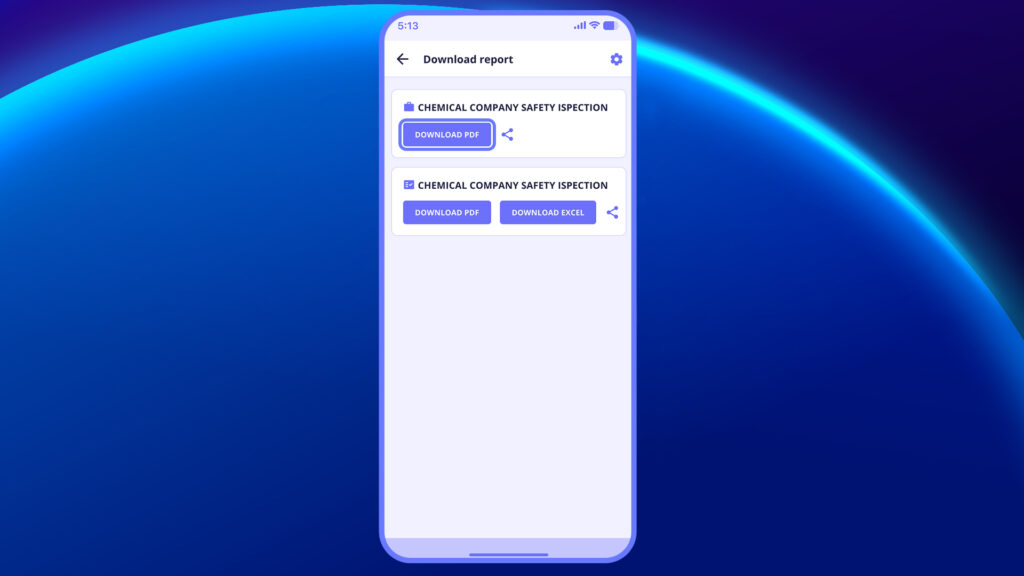
3. Use the Share Icon
Next to the download icon, tap the share (📤) icon.
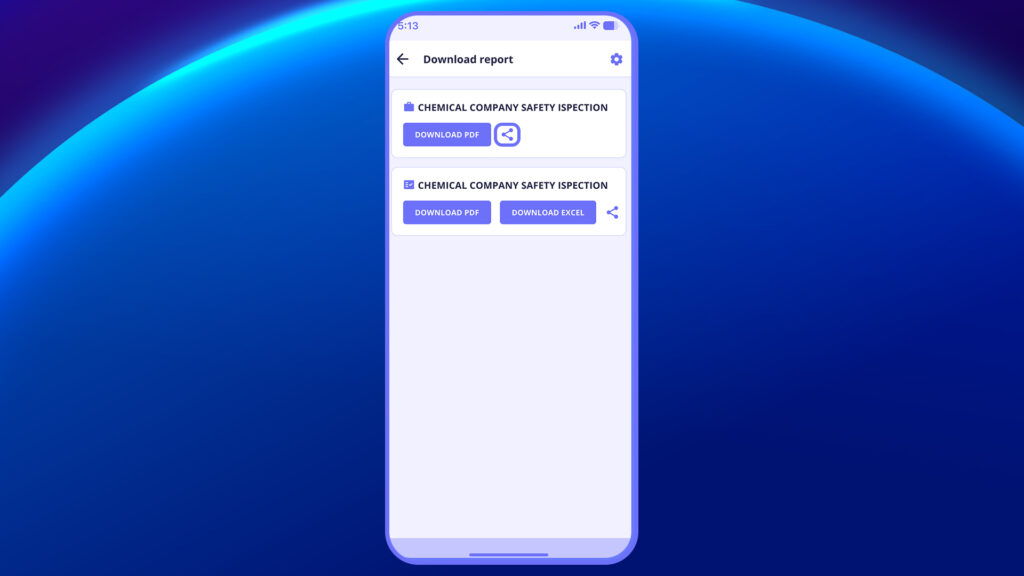
4. Enter the recipient’s email address.
You can include a short message or context note along with the email.
5. Tap “Share” to email the report with your note attached.


