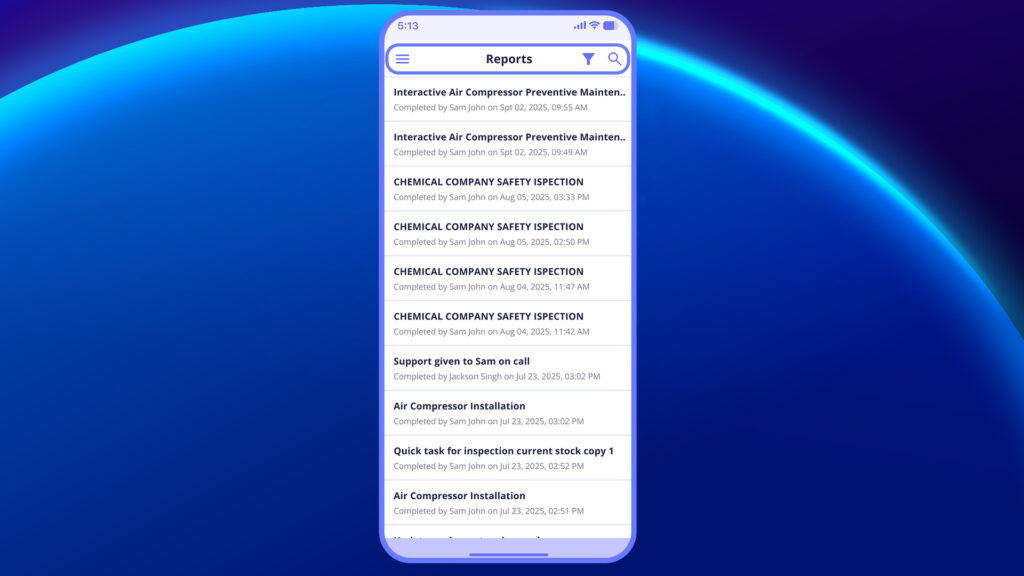
To quickly find specific reports:
- Tap the filter icon at the top-right.
2. Apply filters based on:
- Urgency (Low, High, Urgent, None)
- Checklist / SOP
- Site
- Asset
- Category
- Assigned Group
- Completion Date / Created Date / Schedule Date
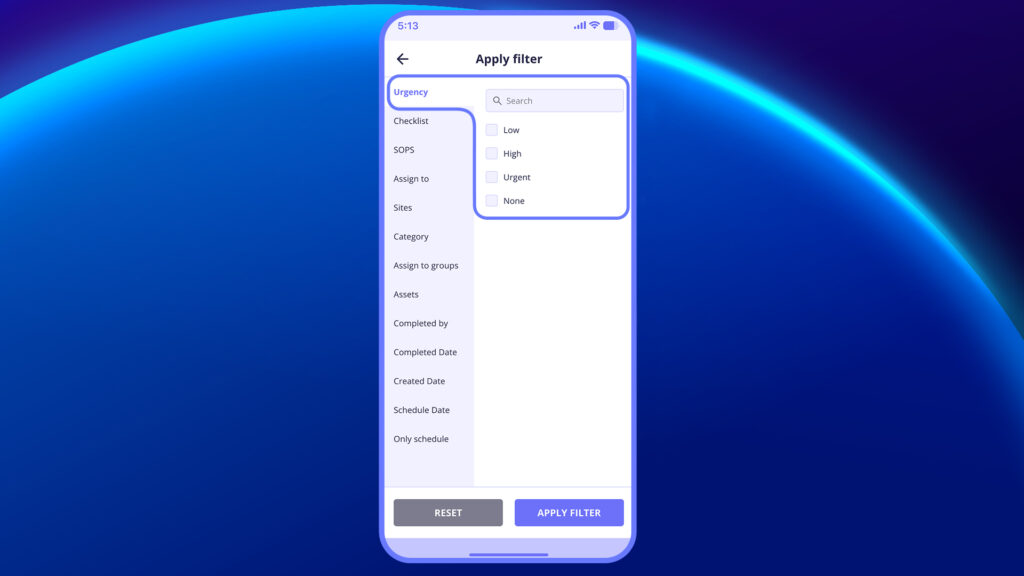
3. Tap Apply Filter to see refined results.


