You can preview an SOP to review all its steps before you begin.
The preview lets you read all the instructions and check for any attached media
What You’ll See in Preview
- You’ll see the SOP title and creator information.
- The category, assigned users, and subcategory will be visible.
- You can scroll through the SOP steps.
- Fields like Short Text, Long Text, Notes, and Attachments will be shown in a read-only format.
Steps:
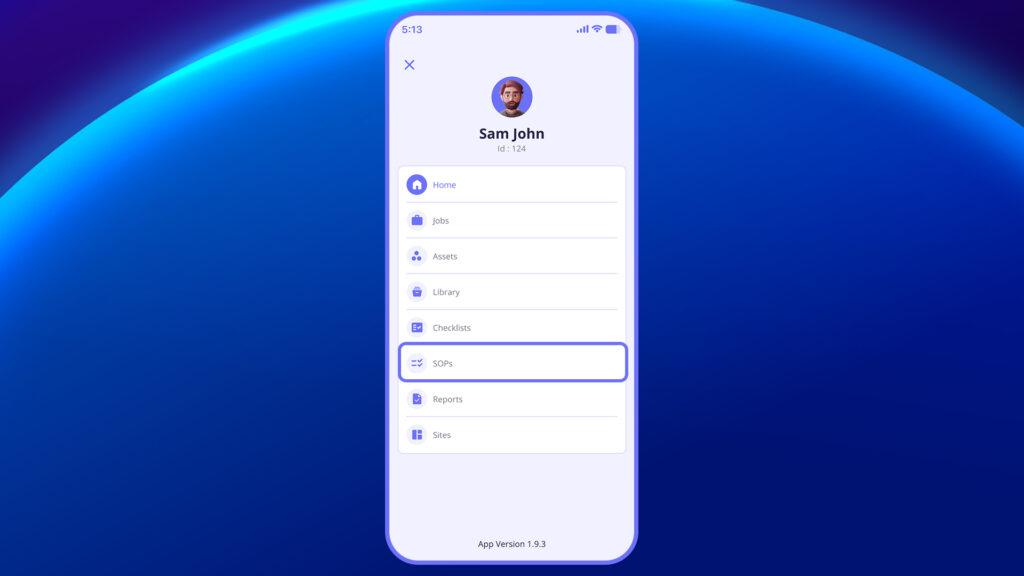
- Navigate to the SOP section from the main menu.
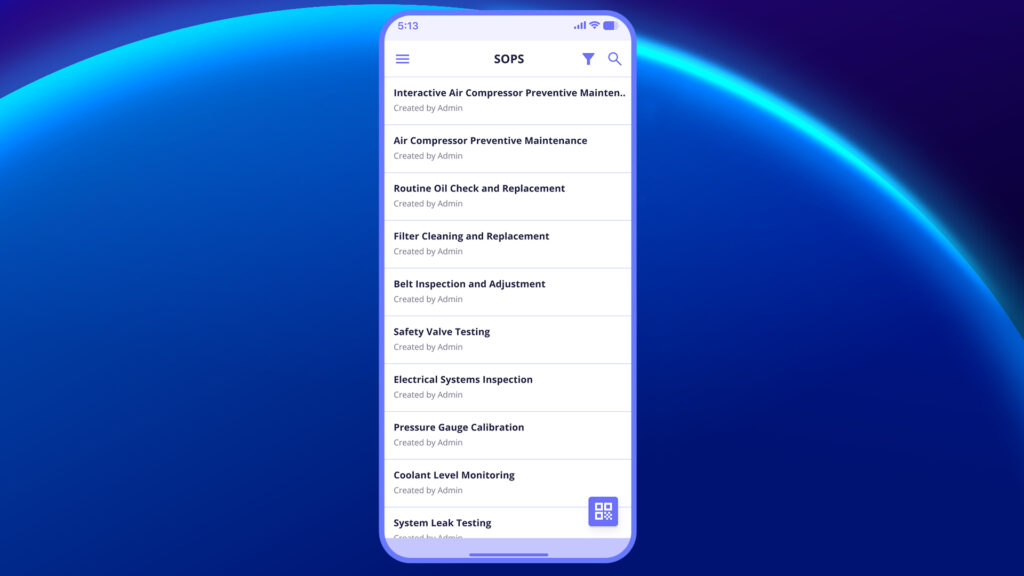
2. From the list of available SOPs, select the SOP you want to preview.
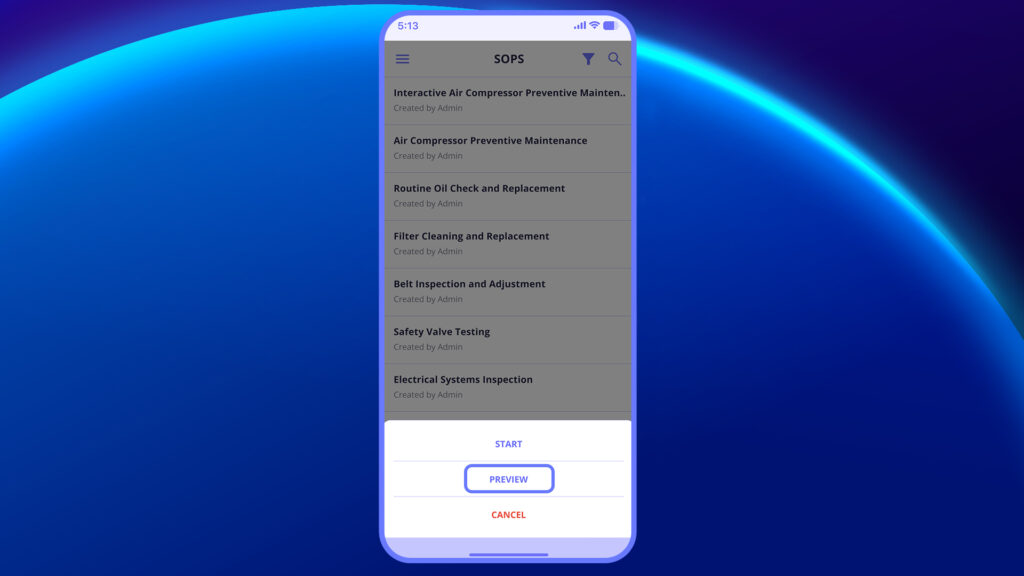
3. Tap on the Preview option.
4. The SOP will open in read-only mode, showing all steps and instructions.
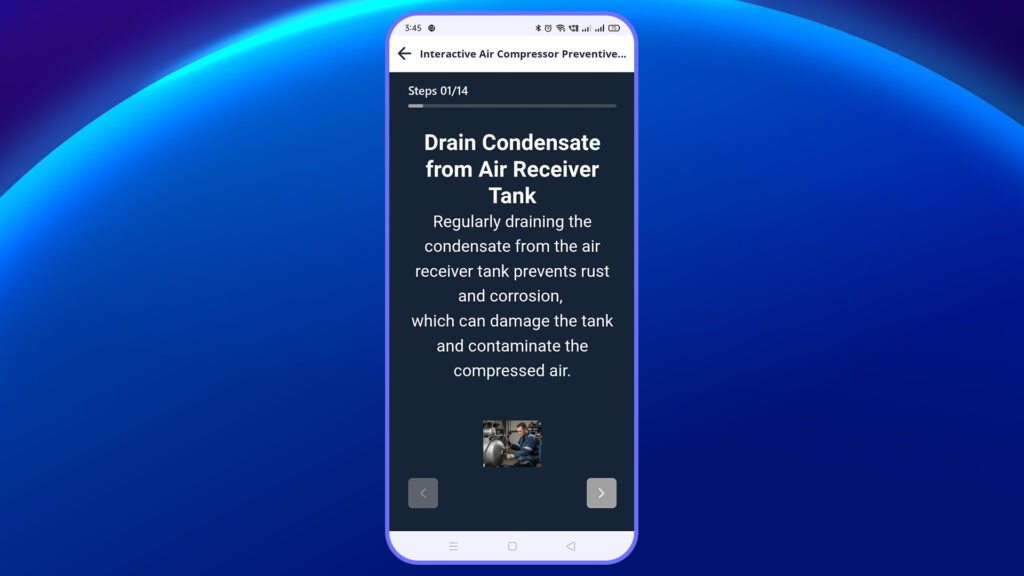
5. Review the content to understand the flow and requirements.
6. Close the preview or go back if you do not wish to start the SOP.


