If a QR code is placed on an asset, equipment, or workstation, scanning it will open the linked SOP directly, saving time and ensuring accuracy.
You can quickly open Standard Operating Procedures (SOPs) by scanning a QR code.
Steps:
- Open the SOP section in the application.
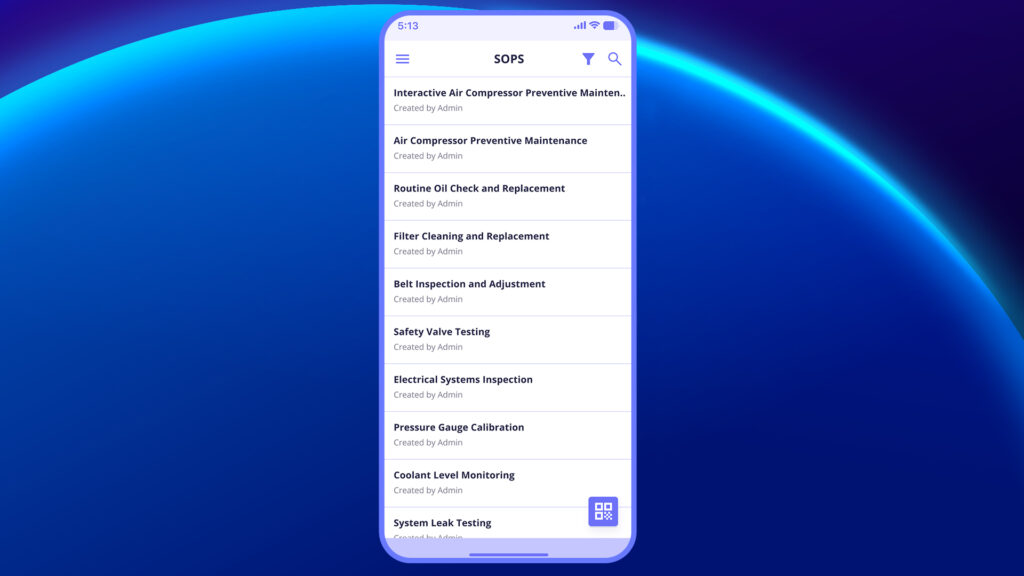
2. Tap on the QR code icon located at the bottom-right corner of the screen.
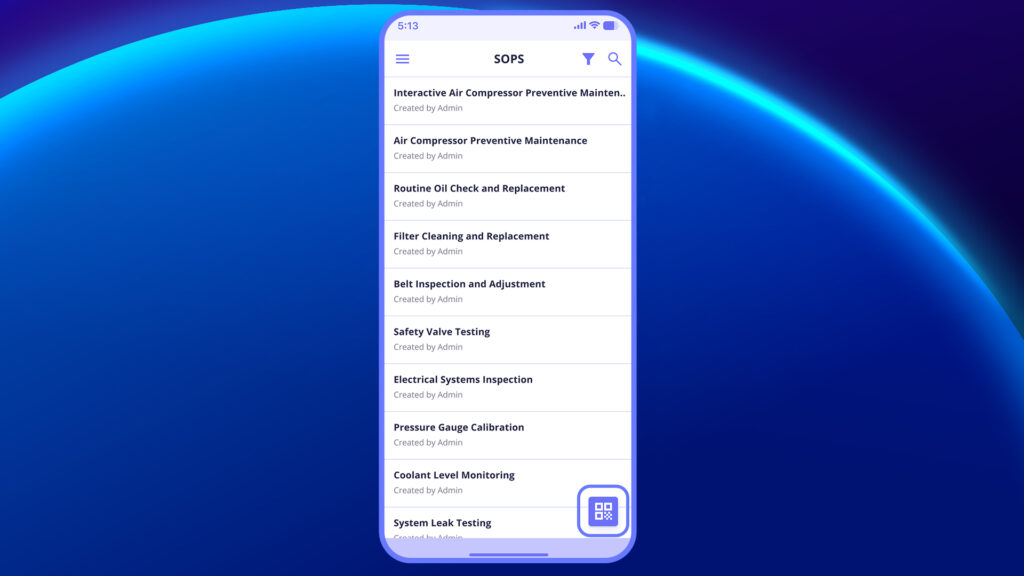
3. Allow the app to access your device camera (if prompted).
4. Point your camera towards the QR code placed on the machine, equipment, or document.
5. The linked SOP will automatically appear on your screen.
6. Tap on the SOP to view detailed instructions.


