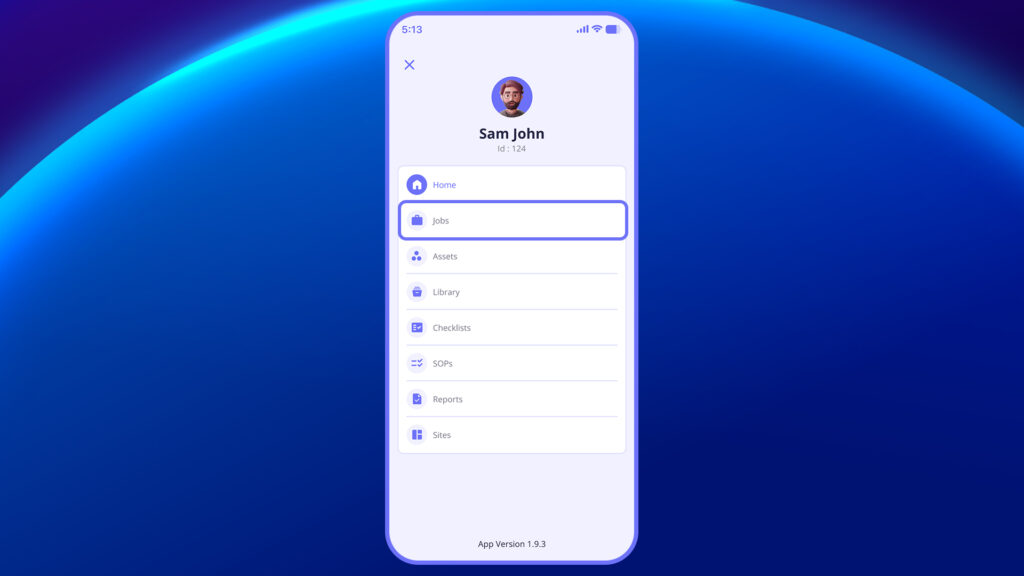
- Access ‘Job’ through the left-hand menu.
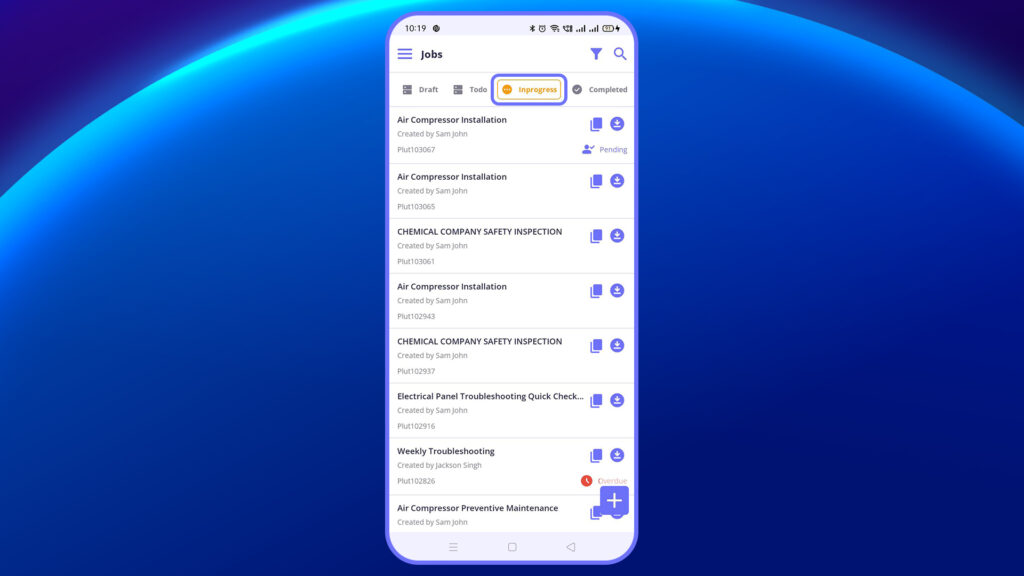
- The Inspection/checklist will reflect in Progress
- Click on “In progress” to complete the inspection.
3. Once inspection is completed, click Complete at the end of the checklist.
4. The completed report will be visible within the job and within Reports section.


