View Categories
  1. Open the mobile app.
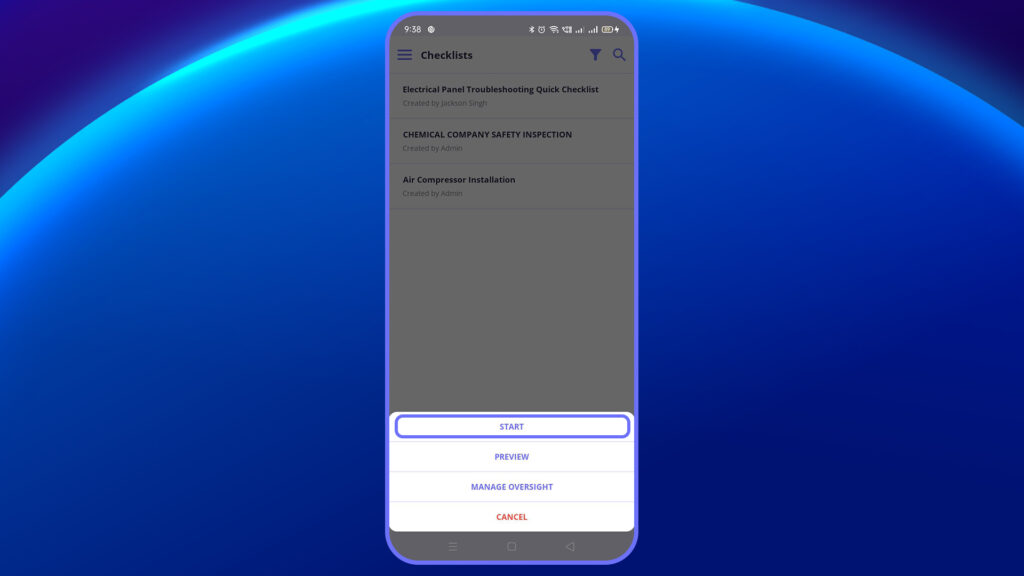
  2. Access the respective checklist from the menu bar or open the corresponding In-progress checklist.
ao s 2

3. Start or edit the checklist.

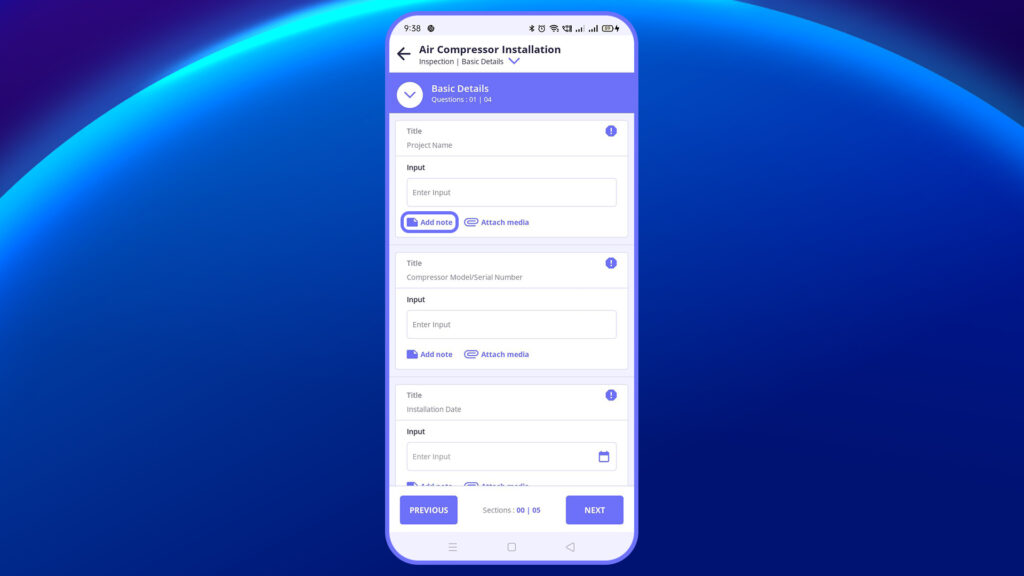
4. Tap “Notes” at the bottom of the question.
    an bd 1

    5. This opens a modal window to capture notes.

    6. Click “Save” when done.

      Plutomen Logo
      Privacy Overview

      This website uses cookies so that we can provide you with the best user experience possible. Cookie information is stored in your browser and performs functions such as recognising you when you return to our website and helping our team to understand which sections of the website you find most interesting and useful.