View Categories

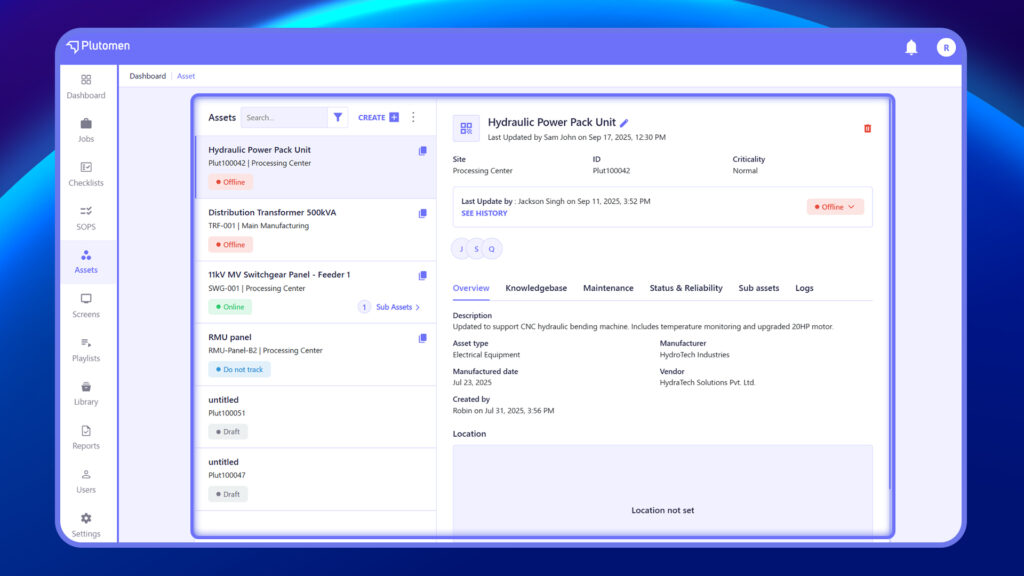
From the sidebar, click on Assets to open the module. The left panel displays a searchable list of all assets, along with a filter option and a CREATE button for adding new assets.

Each asset in the list shows:

  • Asset Title
  • Asset ID
  • Site or Location
  • Current Status (e.g., Offline, Do Not Track, Draft)
  • Sub Assets (if applicable)
Asset whole
Plutomen Logo
Privacy Overview

This website uses cookies so that we can provide you with the best user experience possible. Cookie information is stored in your browser and performs functions such as recognising you when you return to our website and helping our team to understand which sections of the website you find most interesting and useful.