Overview #
An Admin (or Mentor) is a user type with elevated access responsible for configuring, managing, and overseeing checklists, workflows, users, and functionalities of the platform. They play a critical role in maintaining the security, efficiency, and usability of the solution within an organization.
Access the Login Page #
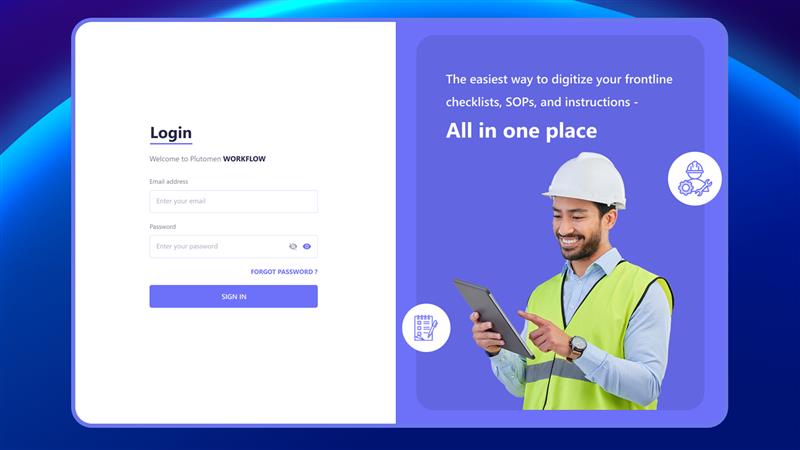
Open your preferred web browser and go to the login page:
👉 https://app.workflow.pluto-men.com/login
Once logged in, admins have full control over the system, with access to all administrative functionalities. Additionally, administrators retain all capabilities available to regular users—allowing them to manage platform settings and experience the interface from an end-user perspective.
Enter Login Credentials #
Use the credentials shared via your email invitation:
- User ID: Provided during account setup
- Password: Shared via email or created during setup/reset
Sign In to the Platform #
After entering your credentials:
- Click on Sign In
- You will be redirected to the Admin Dashboard
Reset Password (If Required) #
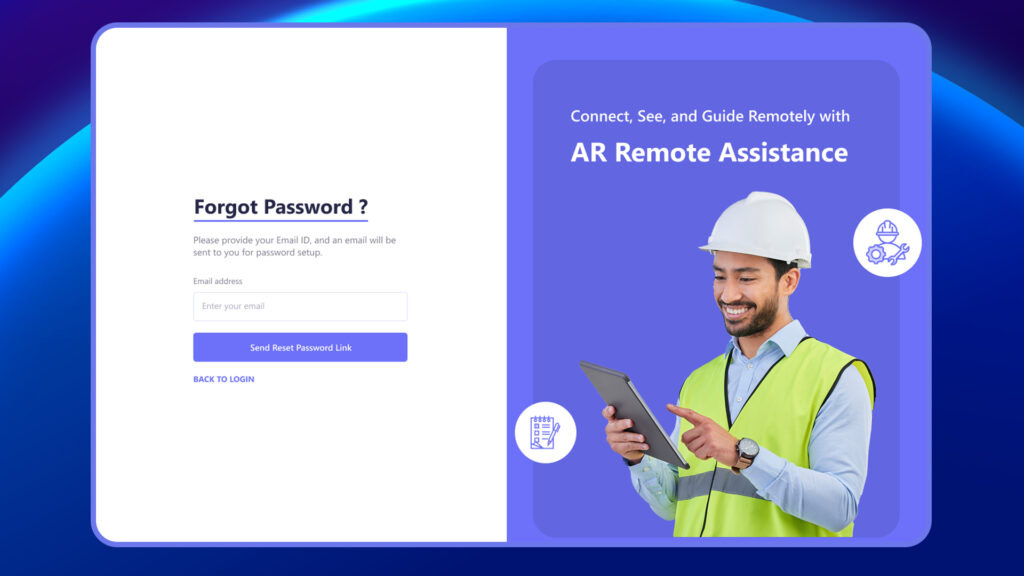
If you forget your password:
- Click on Forgot Password? on the login page
- Follow the instructions sent to your registered email
- Set a new password and log in again