Located at the top-right corner, the User Profile Dropdown gives you quick access to account-related actions.
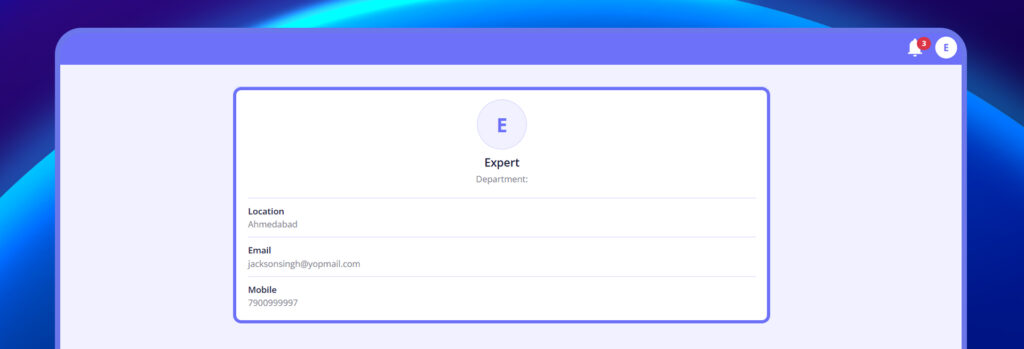
1. Profile #
- Displays your name and registered email address.
2. Change Password #
- Allows you to update your login password.
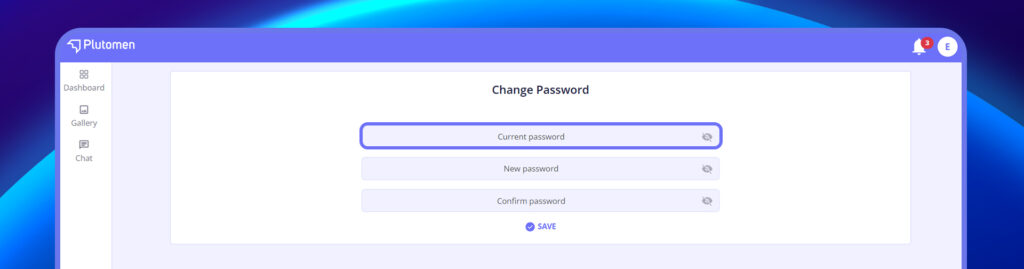
Steps to change the password:
- Enter Current Password
- Set New Password
- Confirm New Password
- Tap on Change Password to apply changes
3. Logout #
- Logs you out of your session securely.
- Recommended when using shared or public systems.


