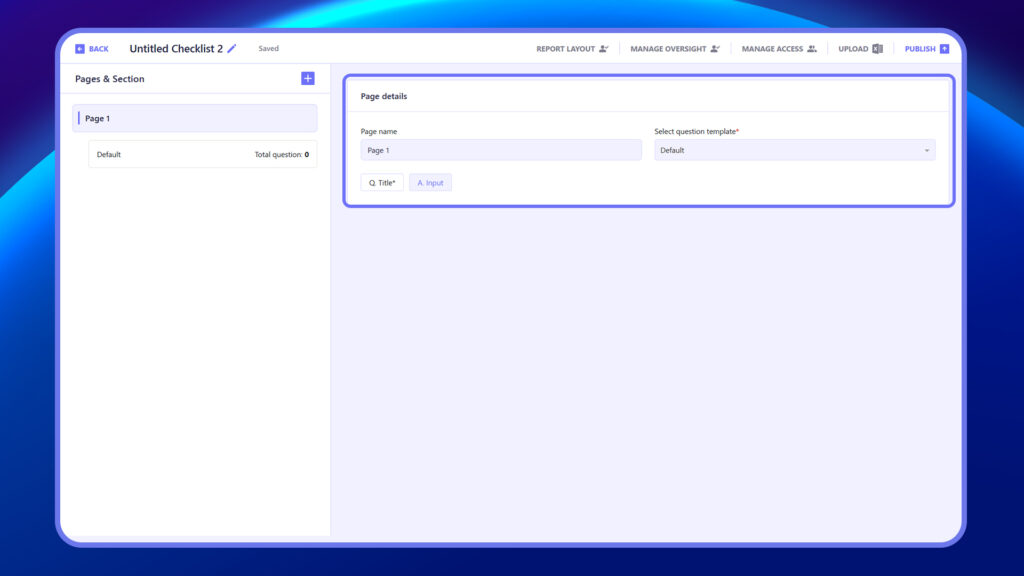
The Create Checklist section allows you to build structured checklists by adding Pages, Sections, and Questions. Each checklist starts with a default Page 1, where you can:
- Rename the Page Name
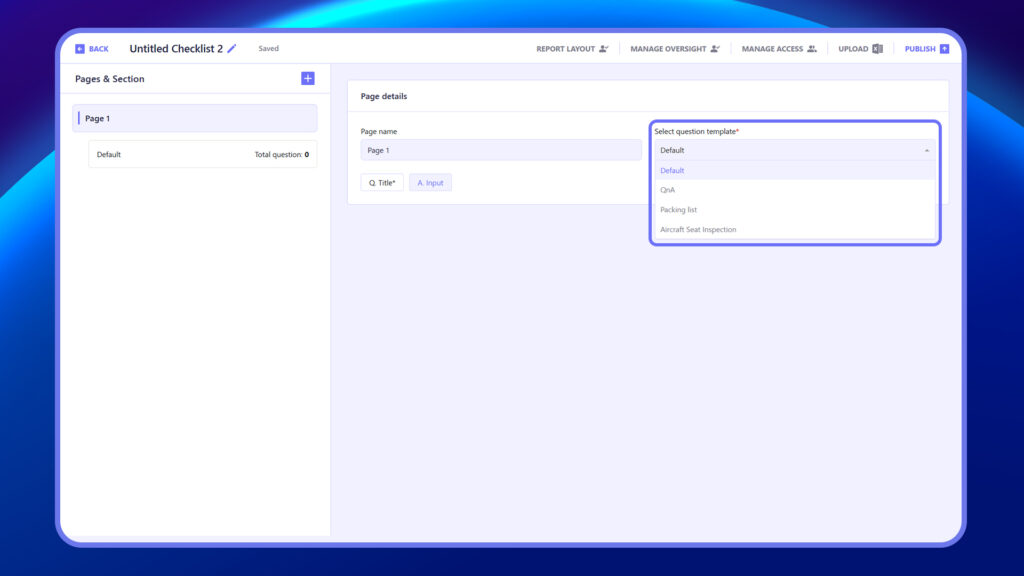
- Select a Question Template
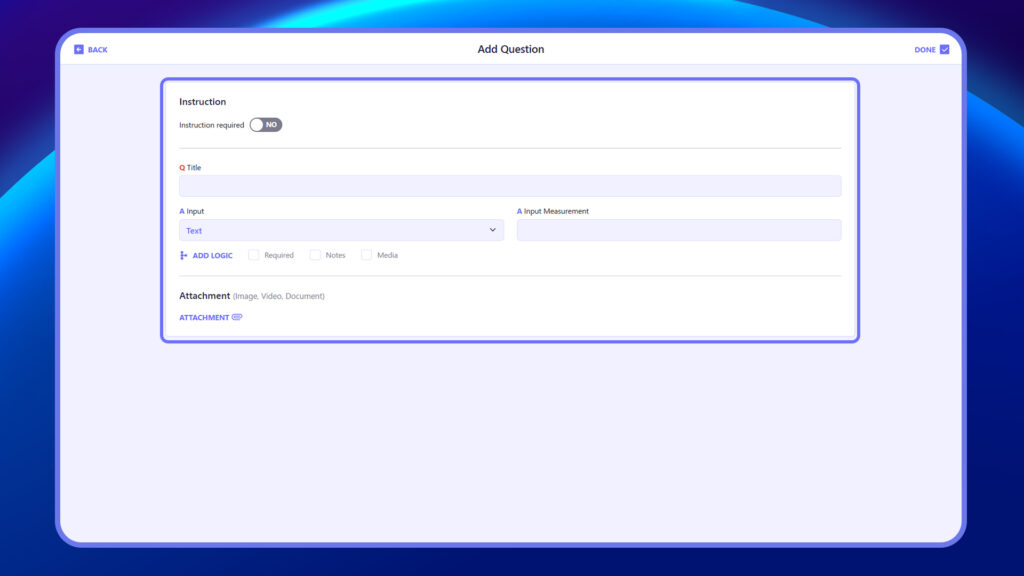
- Enter the Question Title and corresponding Answer Field
You can add multiple questions per page, organize them into sections, and customize the checklist layout as needed.
Steps to Create a Checklist #
- Go to the Create Checklist section.
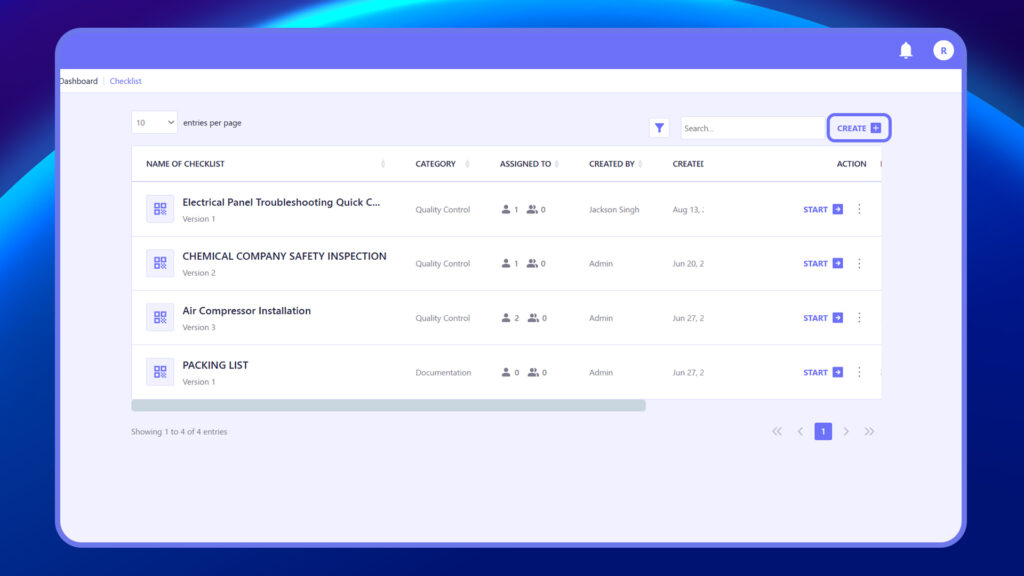
2. Rename Page 1 if needed.
3. Select a Question Template.
4. Enter the Question Title and choose the Answer Field.
5. Add more Questions, Sections, or Pages as needed.
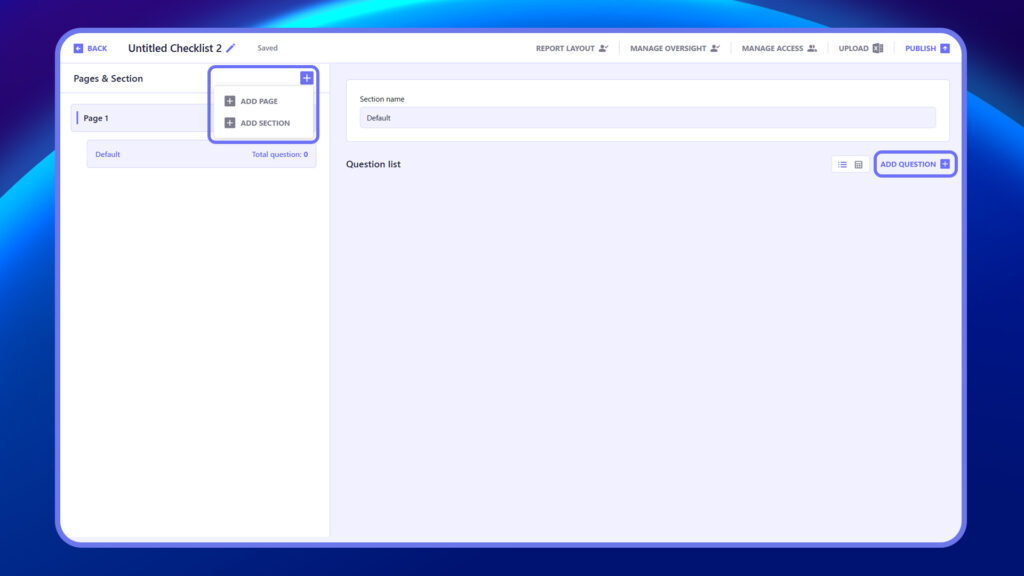
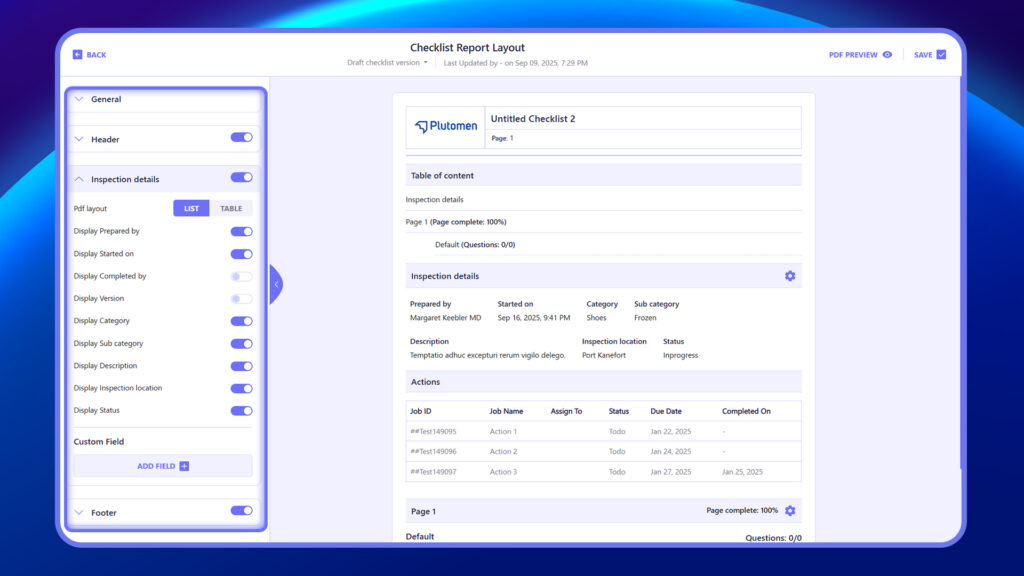
6. Customize the layout to fit your checklist structure.