PLUTOMEN CONNECT · AR REMOTE ASSISTANCE
Augmented Reality Remote Assistance Software
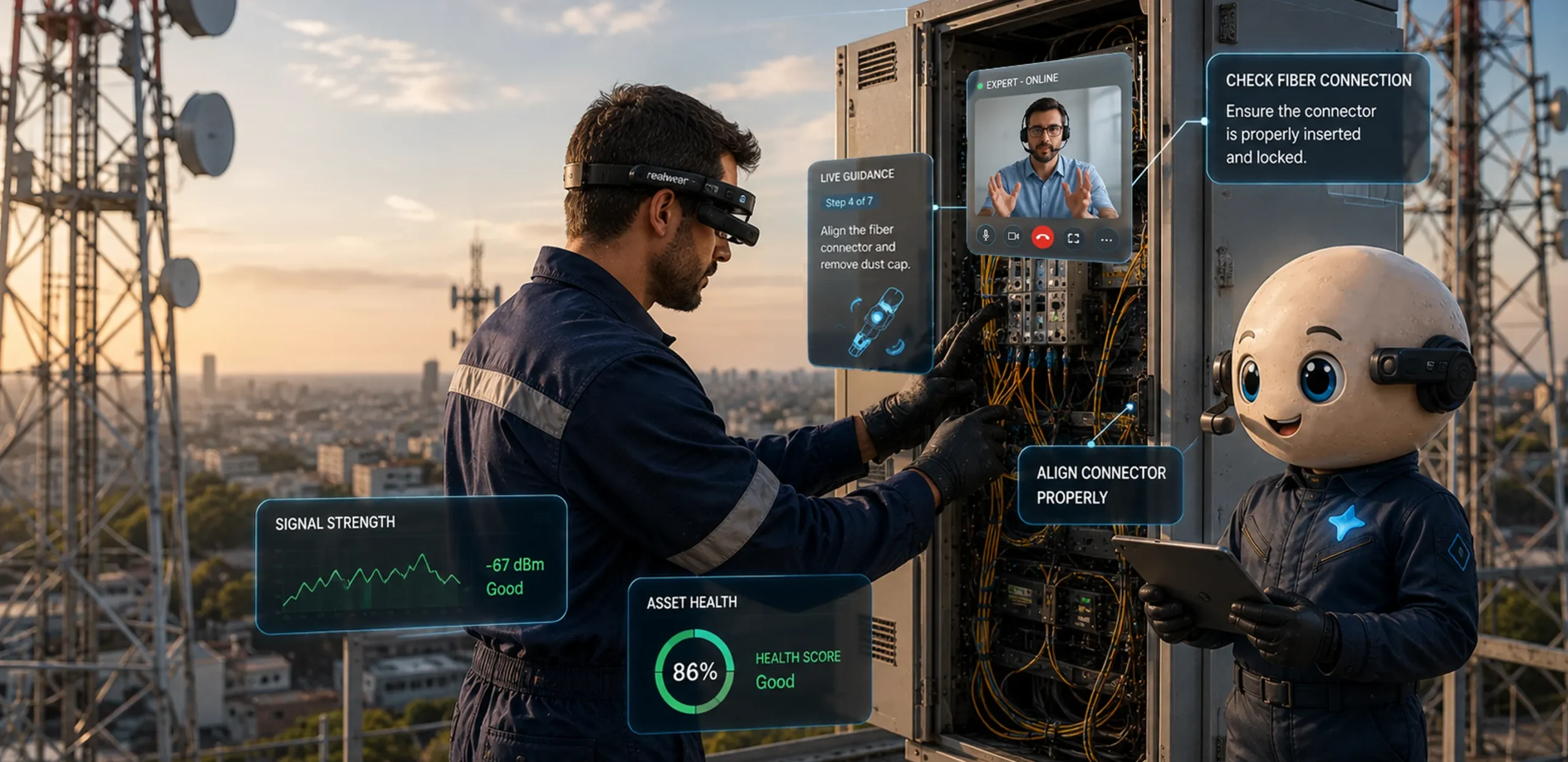
Connect workers with experts seamlessly, using an easy-to-use, "see-what-I-see" based solution. Real-time video and augmented reality insights.
THE PROBLEM
Do your frontline challenges include...
Six frictions our AR remote assistance removes from the frontline, one call at a time.
- 01
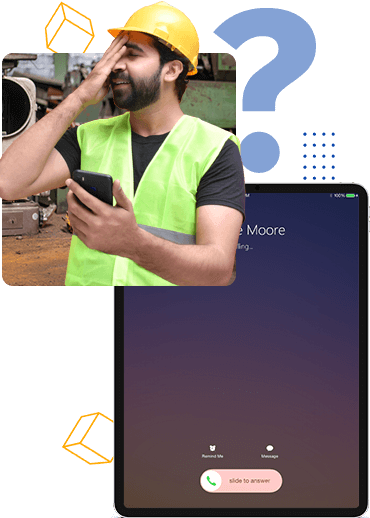
Incurring costly on-site visits and truck dispatches for technical support?
- 02
Pinpointing complex machinery and equipment issues to an expert?
- 03
Communicating with workers using poor quality video calls?
- 04
Minimizing downtime during troubleshooting?
- 05
Streamlining onboarding and training processes?
- 06
Experiencing slow First Time Fix Rates (FTFR) due to incorrect fault diagnosis?
THE SOLUTION
One platform, three ways to close the distance
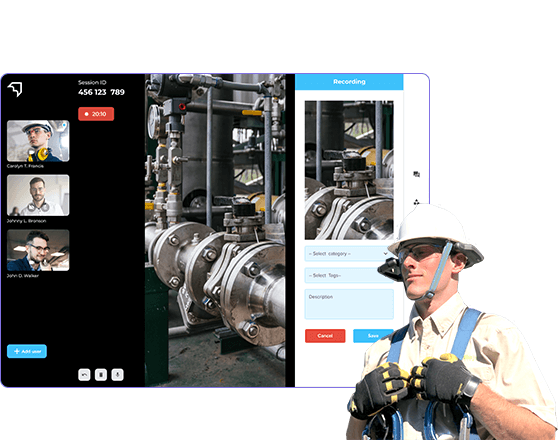
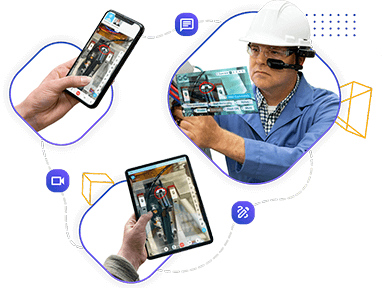
Plutomen Connect is an advanced AR-powered video assistance solution that connects your workers with a technician in a real-time augmented environment. Empower your remote experts to instantly see what the worker sees, guiding them using real-time visual assistance – and cut unnecessary costs, including redundant on-site visits and truck dispatches.
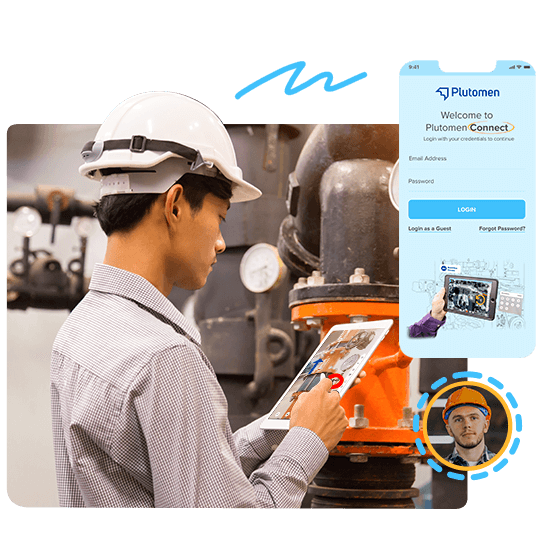
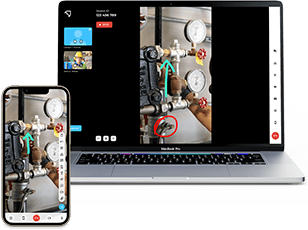
Don’t let unplanned downtime hinder your frontline operations. Establish a one-click remote support session, identify the exact issue, and dispatch your highly skilled worker with the right knowledge and equipment. Experience seamless AR-powered remote assistance directly in your device browser – no downloads, no installations.
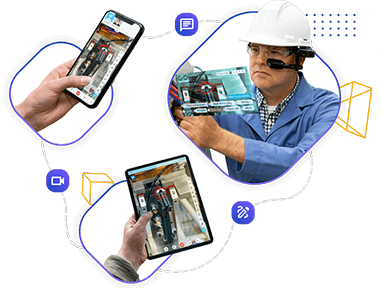
With Plutomen Connect, transcend the boundaries of traditional video calls. It’s like teleporting your expert directly to your side, without them physically being there – creating a whole new dimension of collaboration, where augmented reality and on-screen annotations are your medium to convey real-time issues.
THE DIFFERENCE
Not your regular video call, but AR-powered insights
With Plutomen Connect, transcend the boundaries of traditional video calls. See the same feed, two ways.
 Low signal
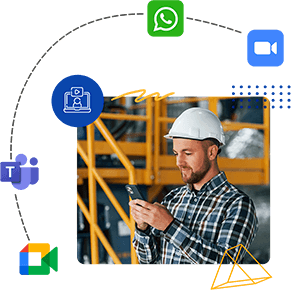
✕ Your frontline workers struggle to hold the camera steady with fuzzy angles - poor network cuts cause miscommunication.
 Valve A Torque 45N·m HD · AR Live
✓ Workers show their surroundings, freeze the screen, and highlight the issue with AR annotations - even record the call offline in self-assist mode.
I like that it helps boost the capabilities of field management workers remotely, plus that front-end groups can get help from specialists and support customers anytime, anywhere - regardless of outage.
HOW IT WORKS
Connect workers with experts in three simple steps
UNDER THE HOOD
Powerful pre and post-call features to connect in a jiffy
Invite anyone on a call without creating a user account.
Share a calendar invite over WhatsApp or other social channels.
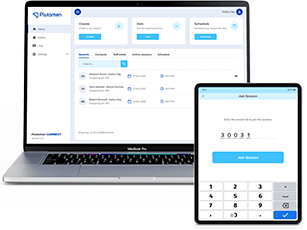
Ask colleagues to join a session by sharing a 6-digit code.
On-screen overlay and display of real-time annotations.
Pause the screen in real-time while you instruct the technician.
Share important documents over the call, seamlessly.
Chat with colleagues or peers in real-time over the call.
Store video files for efficient revision of information from calls.
View and record detailed call logs for future reference.
Access and refer to video recordings of your calls.
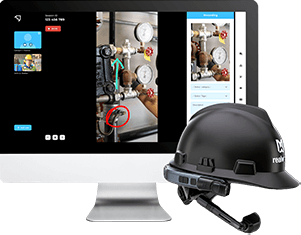
Easily access Plutomen Connect from the RealWear marketplace.
Integrate other smart glass brands with our solution.
THE RESULTS
Reduced recurrent visits with increased first-time fixes
Boost First Time Fix Rates (FTFR) by establishing a one-click remote visual support session between technicians who can troubleshoot and diagnose faults right away.
+30%
First Time Fix Rates-35%
Travel TimeIncreased throughput with increased collaboration
Elevate your workflow with enhanced collaboration and increased throughput. Foster seamless teamwork and witness productivity soar.
+5%
OEE-30%
1:1 InteractionsIncreased safety with reduced service costs
Prioritize safety while cutting down on service expenses - a win-win with reduced service costs and an amplified focus on safety measures.
+15%
Workers Safety-30%
Repair CostANY DEVICE
Access seamless integration across all devices

Smart Phones

Tablets

Smart Glasses

Laptops
FAQ
Questions about Plutomen Connect
With the help of Remote Visual Assistance, technicians in the field can receive advice and direction directly from their mobile device – such as a smartphone, tablet, or even a pair of augmented reality glasses such as RealWear.
Through AR, field professionals get real-time augmented visuals that guide them as they maintain or repair equipment. Customers can also leverage AR to self-serve using real-time video collaboration, minimizing asset downtime – particularly in emergency situations.
Plutomen Connect is an AR-enabled remote collaboration tool that connects your frontline workforce. With its remote collaboration capabilities, frontline workers can quickly and efficiently resolve issues by connecting with an expert.
Add custom annotations on real-world objects to help the team with better understanding, capture ongoing maintenance activities for future reference, send videos and documents over chat during live calls, and leverage two-sided AR drawing on the live stream for instant knowledge transfer.
Yes. Plutomen Connect is compatible with all typical devices such as smartphones, laptops, PCs and tablets – as well as industrial devices like headsets and smart glasses. You can connect with experts from any device, with no restrictions.
Plutomen Connect has a two-way login function – one for registered members and another for guest login. Non-registered members can join through the link generated by the Connect app, which any registered member can share with guests.
GET STARTED
Take one step closer to digitally transform your worker
Fix technical issues on time, without compromising the safety of your frontline workforce.
See Plutomen in Action
We respect your privacy. Your details are only used to contact you about Plutomen. See our Privacy Policy.