 01
01
Live AR Assistance
Connect experts with frontline teams
Enable real-time video collaboration so experts can see what workers see, diagnose issues remotely, and guide frontline teams without unnecessary travel, site visits, or delays.
Connect workers with experts seamlessly, using an easy-to-use, ‘see-what-I-see’ based solution. Real-time video and augmented reality insights.
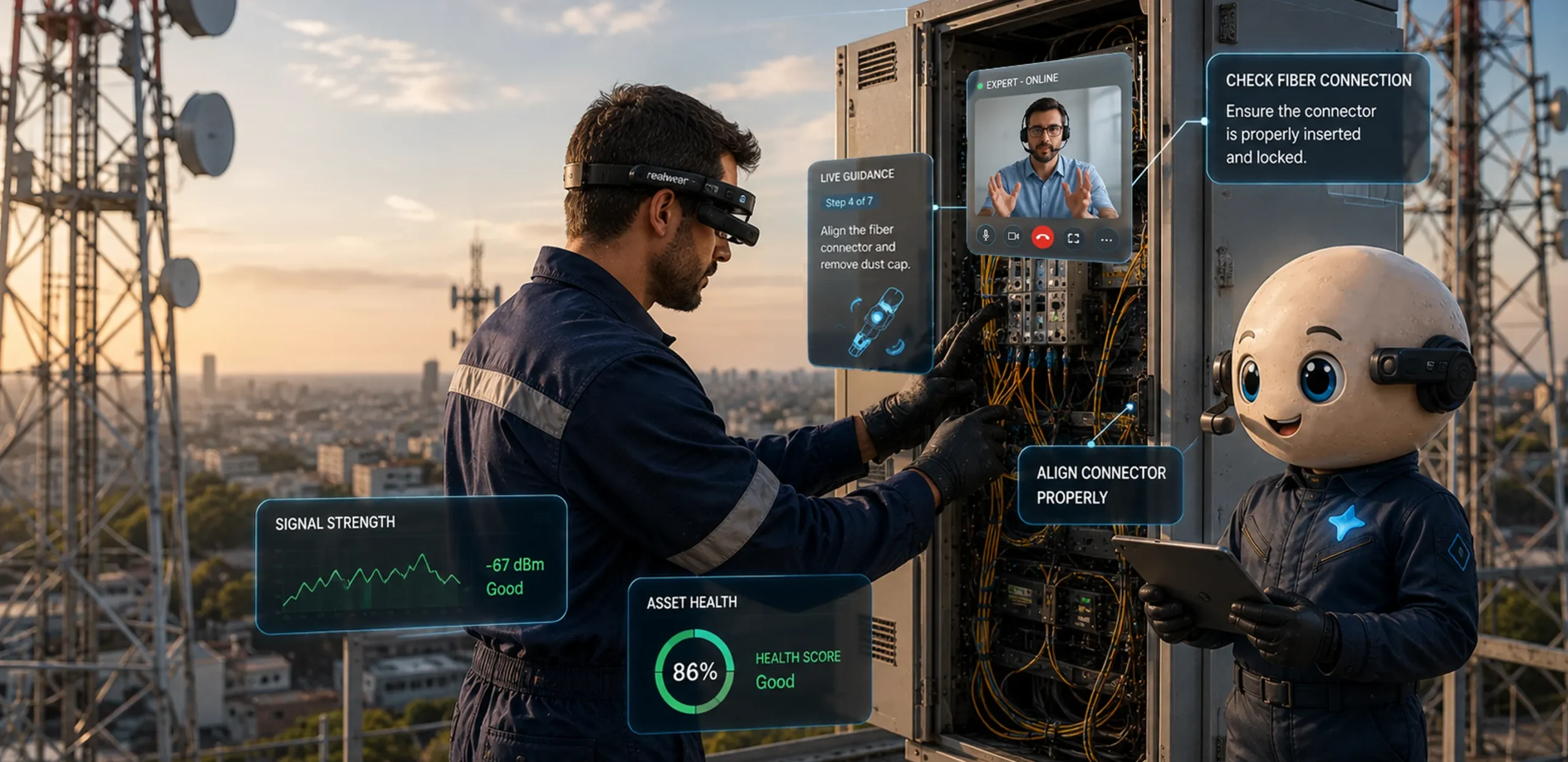
Six frictions our AR remote assistance removes from the frontline, one call at a time.
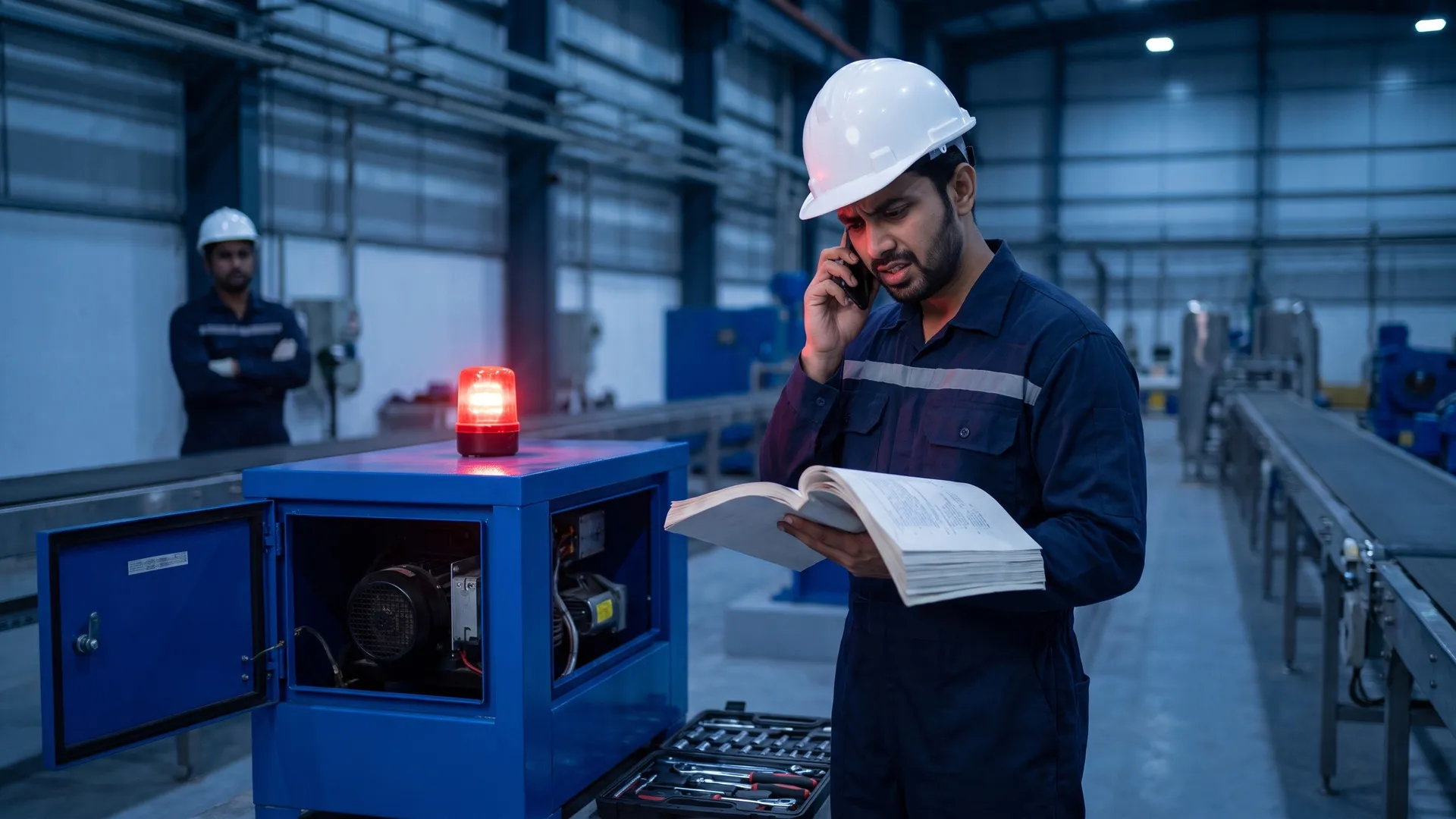
Incurring costly on-site visits and truck dispatches for technical support?
Pinpointing complex machinery and equipment issues to an expert?
Communicating with workers using poor quality video calls?
Minimizing downtime during troubleshooting?
Streamlining onboarding and training processes?
Experiencing slow First Time Fix Rates (FTFR) due to incorrect fault diagnosis?
Six ways Plutomen Connect helps experts see, guide and solve frontline issues in real time.
01
Connect experts with frontline teams
Enable real-time video collaboration so experts can see what workers see, diagnose issues remotely, and guide frontline teams without unnecessary travel, site visits, or delays.
 02
02
Guide repairs with visual cues
Highlight components, mark problem areas, and add real-time AR annotations directly on live video so technicians can understand instructions faster and act with greater precision.
 03
03
Focus attention on critical details
Freeze live views, zoom into equipment, and use pointers to focus attention on specific components during complex troubleshooting and remote diagnosis without losing visual context.
 04
04
Start support without setup delays
Schedule support in advance or connect instantly, while inviting guests through links, calendar invites, or six-digit session codes without requiring every participant to register an account.
 05
05
Turn every session into knowledge
Store recordings, call logs, images, and shared information from support sessions, creating a searchable knowledge repository teams can reference for future troubleshooting and training purposes.
 06
06
Work across devices and environments
Connect Plutomen Connect with smartphones, tablets, laptops, and smart glasses, giving frontline workers flexible access to remote expertise across different environments and operational needs.
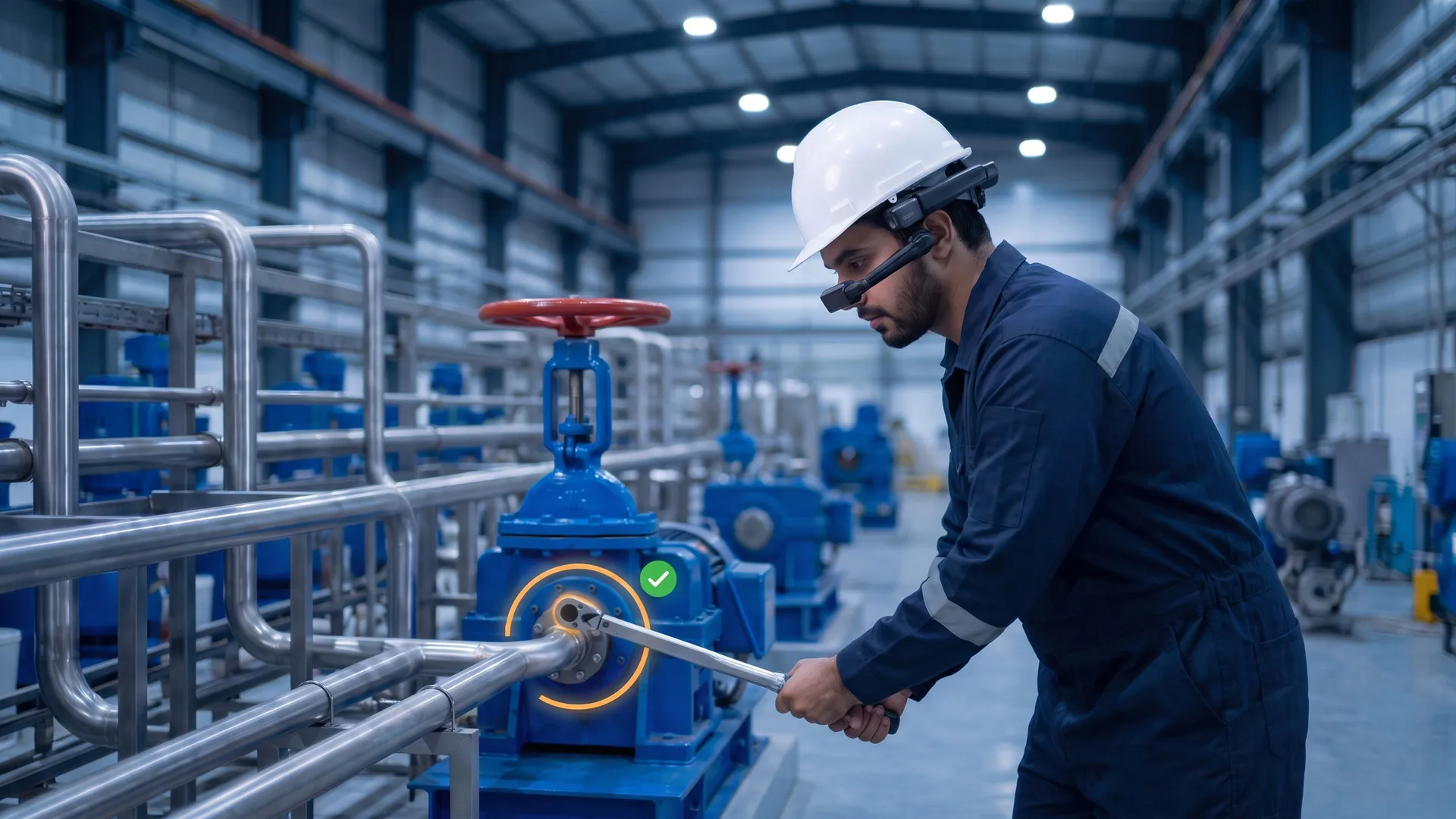
With Plutomen Connect, transcend the boundaries of traditional video calls. See the same feed, two ways.

Your frontline workers struggle to hold the camera steady with fuzzy angles - poor network cuts cause miscommunication.
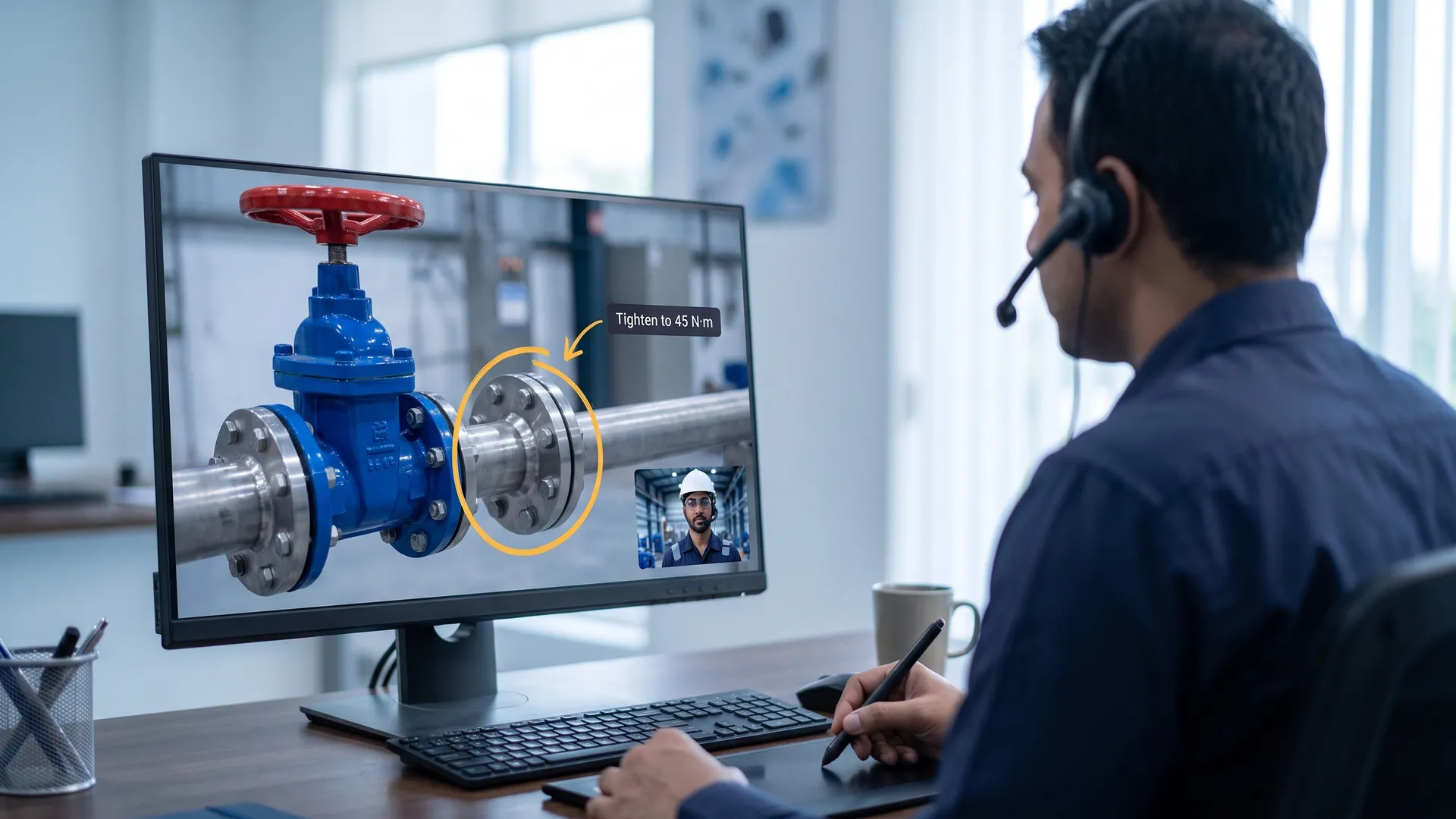
 Valve A
Torque 45N·m
Valve A
Torque 45N·m
Workers show their surroundings, freeze the screen, and highlight the issue with AR annotations - even record the call offline in self-assist mode.
I like that it helps boost the capabilities of field management workers remotely, plus that front-end groups can get help from specialists and support customers anytime, anywhere — regardless of outage.
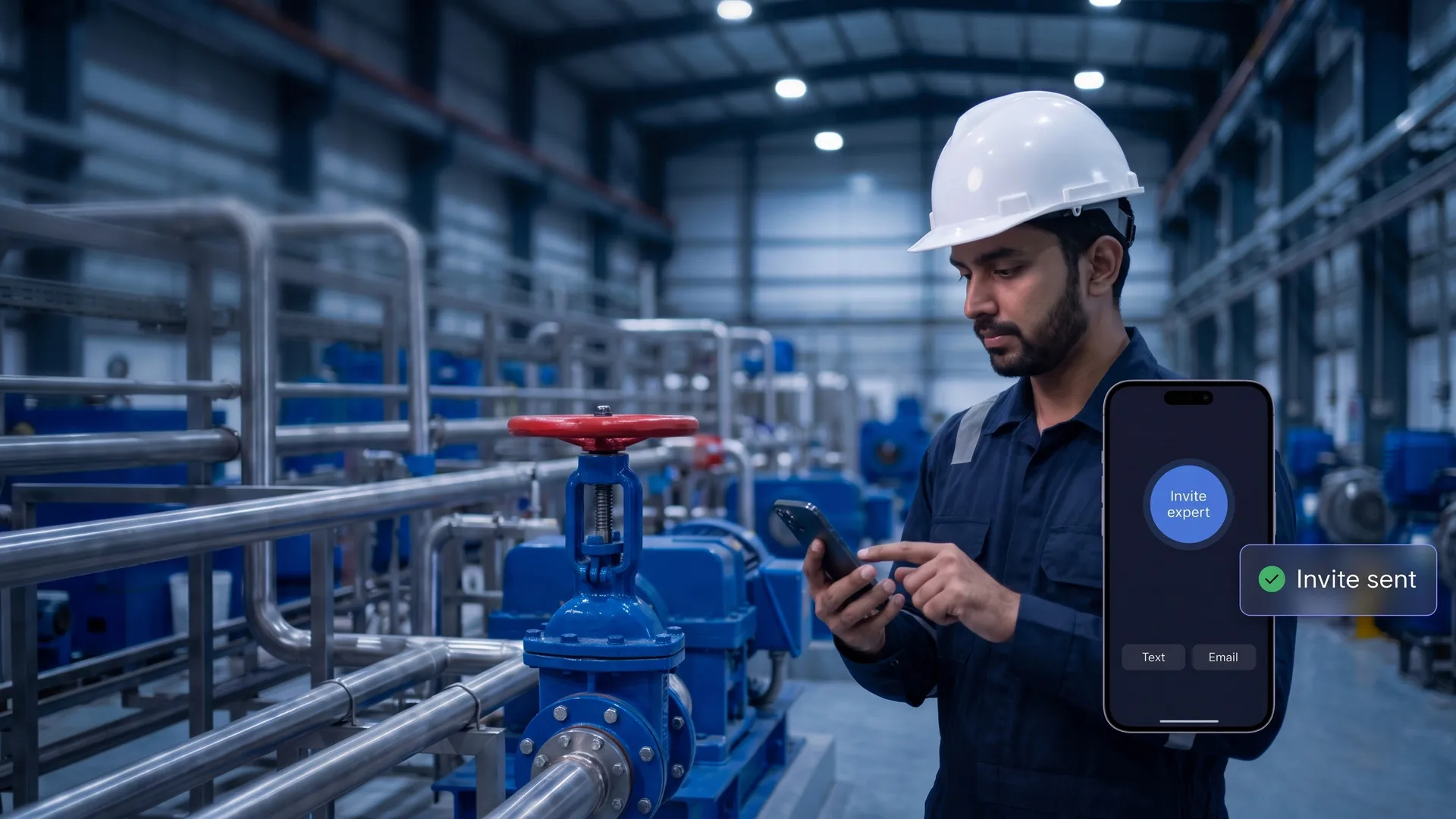
Invite anyone on a call without creating a user account.
Share a calendar invite over WhatsApp or other social channels.
Ask colleagues to join a session by sharing a 6-digit code.
On-screen overlay and display of real-time annotations.
Pause the screen in real-time while you instruct the technician.
Share important documents over the call, seamlessly.
Chat with colleagues or peers in real-time over the call.
Store video files for efficient revision of information from calls.
View and record detailed call logs for future reference.
Access and refer to video recordings of your calls.
Easily access Plutomen Connect from the RealWear marketplace.
Integrate other smart glass brands with our solution.

Smart Phones

Tablets

Smart Glasses

Laptops
Fix technical issues on time, without compromising the safety of your frontline workforce.
We respect your privacy. Your details are only used to contact you about Plutomen. See our Privacy Policy.